 EDIT
EDIT 3Edit Studio
AI video editor with text-based editing.
Edit video by editing text, let the AI do the first cut, and turn one video into many Shorts. A professional editor inside the 3Edit desktop app, with the AI chat beside it.

On this page
Edit video by editing text.
Script turns your video into a document. Edit the words and the video follows. It handles long transcripts smoothly.
- A clean transcript. Your video becomes text, with each speaker’s picture and name.
- Delete words to cut. Remove a sentence and the clip leaves the timeline. Restore it any time.
- Cut and paste to move. Move text and the media moves with it. Click a word to jump there.
- Pauses and fillers, found. Long pauses show as small dots, and Shorten all fixes them in one go. Filler words are highlighted.
- Search per speaker. Find a word and delete one or all. The AI proposes cuts, with Apply or Undo.
Let the AI do the first cut.
Auto edit removes pauses and unneeded parts, and shows every cut on the timeline so you stay in control. Remove silences works in one click, and Restore brings anything back.
Captions come from the transcript: word-timed, editable, and stacked when people talk at once.
One video, many Shorts.
The AI picks 1 to 5 moments from your video. Each one becomes a vertical 1080 by 1920 clip with captions, ready for Shorts and Reels.
Add an animated intro and outro from the templates, then export with a platform preset at 1080p with broadcast loudness. The AI writes the title, description and tags, ready to copy.




Record like a studio.
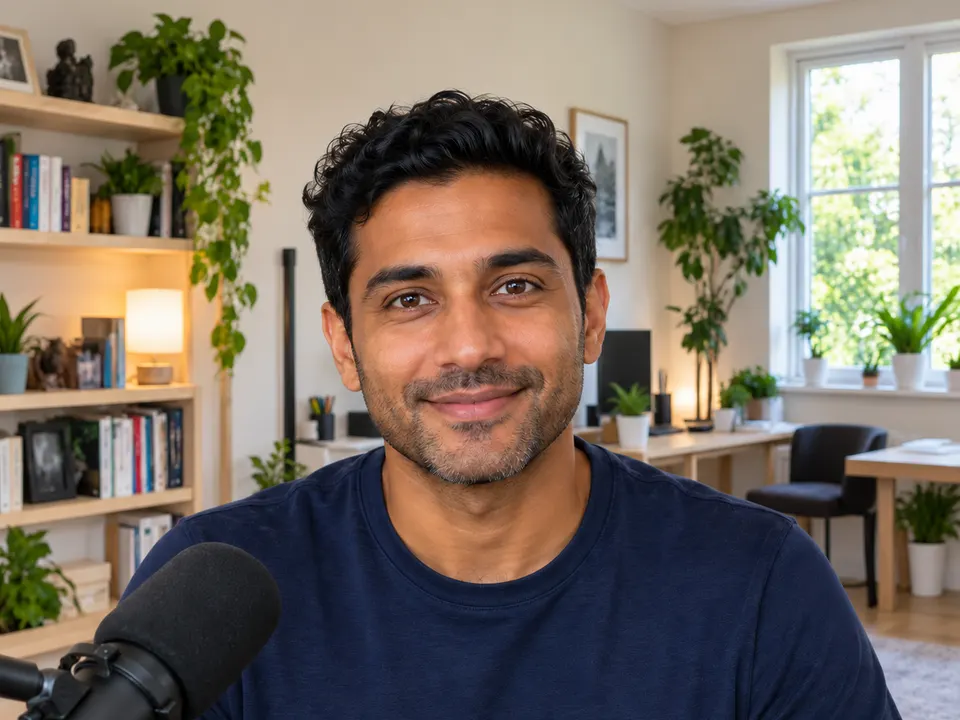
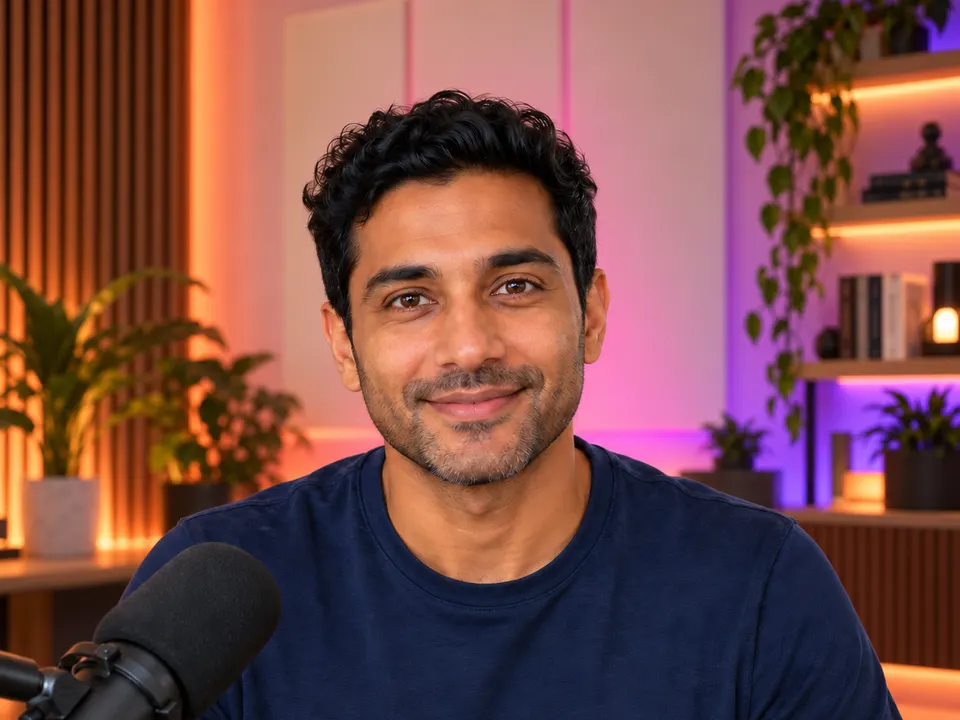
One button records exactly what you see. Blur your background, use your own picture, or pick from 3Edit’s library of studio backgrounds in many styles. Face auto-framing, face light, skin retouch and a studio look are on from the start.
Recordings save as they go, so nothing is lost, and Stop is instant. Studio voice uses AI voice restoration to turn an ordinary microphone into studio-quality narration, and your original is always kept.

Everything a pro editor needs.
A professional editor inside the 3Edit desktop app, with the AI chat beside it.
- TimelineProjects up to 60 minutes.
- KeyframesSmooth moves, precisely timed.
- Colour gradingGive every shot the right look.
- TitlesClean titles in your style.
- TransitionsSmooth changes between clips.
- Green screenSwap the background behind you.
- Speed changesSpeed up or slow down any clip.
- Audio clean-upClearer sound for every clip.
- CaptionsWord-timed and editable, from the transcript.
- Intro and outroAnimated templates to open and close.
- 4K exportExport at 720p, 1080p or 4K.
- Platform presets1080p with broadcast loudness, plus an AI title, description and tags.
Manual editing is included in your 3Edit plan.
Podcasts too.
Studio also records podcasts with remote guests, who join from their browser. See everything it does on 3Edit Podcast.



How the prices compare.
Popular video tools each have their own plan. Studio comes with 3Edit.
| Tool | Price |
|---|---|
| CapCut Pro | $19.99 a month, or $179.99 a year |
| Descript Creator | $24 a month billed yearly, or $35 monthly |
| Riverside Pro | $24 a month billed yearly |
| 3Edit Studio | Manual editing included in your 3Edit plan. AI tools paid per use with credits, or free with your own engines. |
Three separate tools come to about $68 a month. 3Edit is one app that also builds your website, your shop and your marketing. AI actions use the 3Edit Agent with credits, or your own engines (3Edit Node, your own Claude Code or Codex) at no 3Edit cost.
Prices from each company’s public pricing, October 2026: CapCut pricing, Descript pricing, Riverside pricing.
Website, shop and marketing videos in one app.
Studio sits in one app with the website builder, Design, Motion, UGC / Ad, Voice & Music and more. Edit the video, put it on your website, and turn it into ads and posts without leaving 3Edit.











Who it is for.
An AI video editor for everyone who makes video for their work.
- YouTubers and creatorsEdit by editing text, caption every video and turn each one into Shorts.
- Small businesses and shopsMake product and promo videos in the same app as your website and shop.
- Coaches and course makersRecord lessons with Studio voice and tidy them up like a document.
- AgenciesProduce client videos next to the websites you build for them.
Studio questions
Everything you want to know about editing video with 3Edit Studio. Can’t find your answer? Email us at info@3edit.org.
Last updated
Getting started
Yes. Studio is part of the 3Edit desktop app for Mac and Windows.
Studio handles projects up to 60 minutes.
No. You can ask the AI chat to do the editing for you, edit by deleting words in the Script, or use the full timeline when you want precise control.
Studio runs inside the 3Edit desktop app for Mac and Windows, with projects up to 60 minutes. The AI features run on the 3Edit Agent, or on your own engines such as 3Edit Node.
Editing
Yes. Script turns your video into a clean transcript with each speaker’s picture and name. Delete words to cut the video, cut and paste text to move the media, and restore anything at any time.
Yes. Cut and paste text in the Script and the video moves with it. Click any word to jump to that moment.
Filler words are highlighted in the Script. You can search for a word per speaker and delete one or all of them at once.
Yes. Deleted words can be restored at any time, and every cut the AI proposes comes with Apply and Undo.
Yes. Captions come from the transcript. They are word-timed and editable, and stacked when people talk at once.
Yes. Studio includes a full timeline with keyframes, colour grading, titles, transitions, speed changes, green screen and audio clean-up.
AI tools
It removes pauses and unneeded parts of your video, and shows every cut on the timeline so you stay in control.
Yes. Remove silences works in one click, with Restore, and Auto edit removes pauses and unneeded parts while showing every cut on the timeline.
Yes. The AI picks 1 to 5 moments from your video and makes vertical 1080 by 1920 clips with captions.
Yes. When you export with a platform preset, the AI writes a title, description and tags ready to copy. It is charged only when you press the button.
No. You can use the 3Edit Agent with credits, or your own engines (3Edit Node, or your own Claude Code or Codex) at no 3Edit cost.
Recording
Yes. One button records exactly what you see, with background blur, your own picture or a studio background, plus face auto-framing, face light and skin retouch.
Yes. Studio voice turns an ordinary microphone into studio-quality narration, and your original recording is always kept.
Your recording is saved as it goes, so nothing is lost, and Stop is instant.
Yes. Bluetooth microphones are supported.
Yes. Guests join from their browser with nothing to install, and Studio records each person separately. See 3Edit Podcast for more.
Export and pricing
Manual editing is included in your 3Edit plan. Only the AI features use credits with the 3Edit Agent, or run at no 3Edit cost on your own engines: 3Edit Node, or your own Claude Code or Codex.
Yes. Export at 720p, 1080p or 4K, or use the platform presets at 1080p with broadcast loudness, plus an AI-written title, description and tags ready to copy.
720p, 1080p or 4K. Platform presets export at 1080p with broadcast loudness.
Manual editing is included in your 3Edit plan. AI features use credits only when you use them, or nothing when you use your own engines.
CapCut and Descript are popular editors with their own monthly plans. 3Edit Studio includes manual editing in your 3Edit plan, charges for AI tools per use with credits, or not at all with your own engines, and sits in the same app as your website builder, shop and marketing apps.
Separate editing, text-based editing and recording tools can add up to about $68 a month. Studio does all three in one app that also builds your website, shop and marketing.
Start vibe coding today.
Download 3Edit for Mac or Windows and build your first professional website in minutes.