 EDIT
EDIT 3Edit Voice & Music
AI voice-overs, songs and music, all in one app.
Create songs with real vocals, instrumental music and professional voice-overs in thousands of voices, or your own. Download every track, as often as you like.

On this page
Three studios in one.
Songs with vocals, instrumental music and professional voice-overs, in one place. Switch between the Song, Instrumental and Voice-over tabs, and everything you make lands in the same library.
It all lives inside the same app where you build your website and shop, make your videos and edit them.

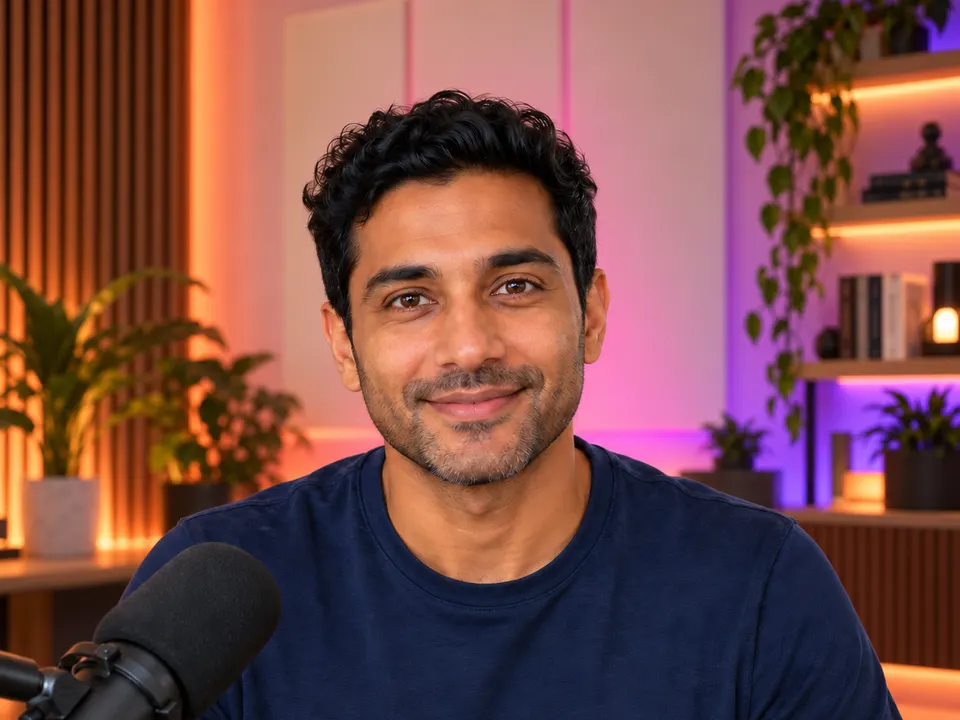
Voice-overs that sound real.
- Thousands of Pro voices. In many languages and accents, ready to use.
- Language, then accent. Pick a language and then an accent, for example British or American.
- Hear it first. Every voice has a portrait and a sample to play before you choose.
- Direct the delivery. Say how it’s said, for example “warm and excited”.
- Up to 5,000 characters. In one voice-over, read in the voice you choose.
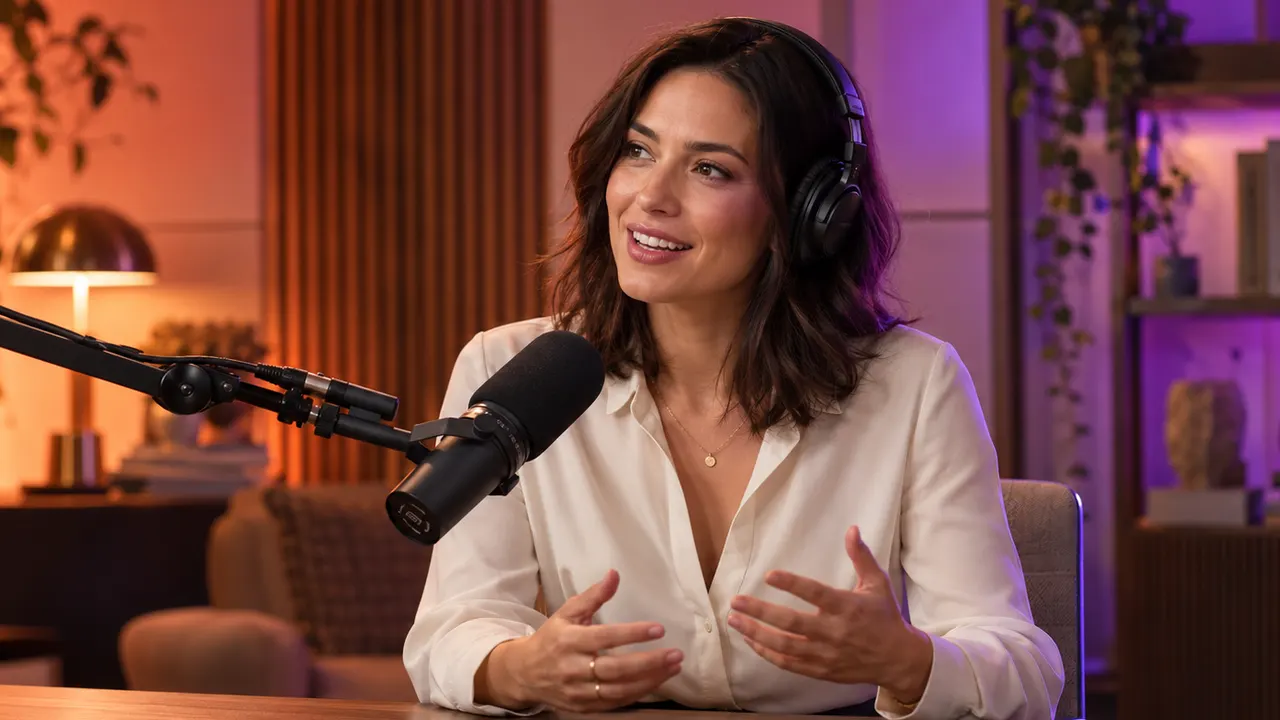

Your voice, or a brand-new one.
3Edit Voice starts with a library of voices designed by 3Edit, and it is the lowest-priced voice option in 3Edit.
- Design a Voice. Describe a voice in words, and 3Edit creates it.
- Your Own Voice. Record or upload your voice, with your consent, and 3Edit speaks any script in it. Setting it up is free.
Songs with real vocals.
- Your lyrics, or help writing them. Write your own lyrics or describe the song, and the AI can help write the lyrics.
- Female, male or duet. Choose the vocal, add genre and mood chips, and describe the style in your own words.
- A clip or a full song. A 30-second clip, or a full song of up to about 3 minutes.
- A cover for every song. Each song gets its own cover picture.

Music for every video.
The Instrumental tab makes music with no singing. Describe it, or pick a genre or a mood, and choose a 30-second clip or a full track.
Background music for your product videos, ads, reels and podcasts, made fresh for you every time.
A jingle for your brand.
Describe your brand and the feeling you want, and create a short, memorable jingle for your ads, intros and reels.
Use it at the start of every video, under your radio-style ads or as your podcast intro, so people know it’s you before they see your name.
Download everything, no limits.
Every track you create is yours to download, as often as you like. Create as many as you want and pay only per track, with no monthly download cap.
- Your tracks, organised. Search, filter and sort your library, and delete the tracks you don’t need.
- Use these settings. Load a track’s settings back into the form to make another like it. New clears the form, with Undo.
- Free to use commercially. Every track is made fresh with AI and is free to use commercially in your videos, ads, reels and podcasts.

Your songs, heard by real listeners.
Coming soonSoon you can publish the songs you create in 3Edit straight to AvidSong, a music platform where anyone can turn lyrics into real songs and share them, listened to by thousands of listeners. Your lyrics get a voice, and your music finds an audience.
- Artists, tracks, albums and playlists. All in one music platform.
- On the web and in apps. AvidSong has apps on Google Play and the App Store.
- Songs in many languages. Including Bangla and English.

One voice, in every app.
The same voice picker works in Voice & Music, Presenter, UGC / Ad and Studio. Choose a voice once, design one or use your own, and keep the same sound across your voice-overs, presenter videos, ads and edits.
Your brand sounds like your brand, everywhere it speaks.
 Voice & MusicSame voice
 PresenterSame voice
 UGC / AdSame voice
 StudioSame voice
Made in Voice & Music, finished in Studio.
The 3Edit Studio editor has a Music tab listing your tracks. Add one at the playhead, or make new music without leaving the editor.
Make a professional ad from start to finish in one app: create the video with UGC / Ad or Presenter, add a Voice & Music voice-over or jingle, and edit it all together in Studio. Need a matching post? Make it in 3Edit Design.
Pay per track, keep every one.
Voice & Music uses your 3Edit credits, with no separate voice or music subscription.
- Songs and instrumentals. A 30-second clip is 1 credit. A full song or full instrumental is 2 credits.
- 3Edit Voice. 1 credit for a voice-over of up to 5,000 characters.
- Pro Voice. 2 credits up to 2,500 characters, 3 credits up to 5,000.
- Your voices. Design a Voice is 1 credit. Setting up Your Own Voice is free.
How 3Edit Voice & Music compares.
Songs, instrumentals and voice-overs in one app, with no download limits, your own voice and designed voices, inside the same app as your website, shop and video editor.
| Feature | 3Edit Voice & Music | ElevenLabs | Suno | Murf |
|---|---|---|---|---|
| Price | Pay per track with 3Edit credits. No separate voice or music subscription. | Starter: $6 a month. Creator: $22 a month. | Pro: $8 a month. Premier: $24 a month. | Creator: $19 a month, billed yearly |
| Songs with vocals | Yes, female, male or duet | Yes (Eleven Music) | Yes | Not stated |
| Instrumental music | Yes, clip or full track | Yes (Music) | Yes (instrumental option) | Not stated |
| Voice-overs | Yes, thousands of Pro voices plus 3Edit Voice | Yes (text to speech) | Yes (Speech, in beta) | Yes (200+ voices, 30+ languages and accents) |
| Your own voice | Yes, free to set up | Yes (Instant Voice Cloning from Starter) | Yes (record, upload and create with your own voice, on Pro) | Custom voice clones (Enterprise add-on) |
| Design a voice from words | Yes, 1 credit | Yes (Voice Design) | Yes (describe a voice in Speech, in beta) | Not stated |
| Downloads | No download limits | Music downloads by plan, from 30 minutes a month on Starter | Pro: 20 song downloads a month. Premier: 60 a month. Free: 7 lifetime trial downloads, personal use only. | Unlimited downloads, from Creator |
Suno’s download limits apply from 3 September 2026, and Suno describes its Pro plan as making up to 500 songs a month. Suno’s download FAQ.
Prices checked on 26 October 2026, on each company’s public website: ElevenLabs pricing, Suno pricing, Murf pricing.
Who it is for.
Voice-overs, songs and music for everyone who wants to be heard.
- Online shops and print on demand sellersVoice-overs and music for your product videos and ads.
- Creators and YouTubersIntros, background music and narration for every upload.
- PodcastersTheme music, jingles and voiced ad reads for every episode.
- AgenciesSongs, music and voice-overs for every client, in one app.
- Restaurants and local businessesJingles and radio-style ads people remember.
- Coaches, teachers and course makersClear narration for your lessons and courses.
Voice & Music questions
Everything you want to know about creating songs, music and voice-overs with 3Edit. Can’t find your answer? Email us at info@3edit.org.
Last updated
Getting started
It is 3Edit’s AI audio studio. Create songs with vocals, instrumental music and professional voice-overs, all in one app.
Yes. Voice & Music is part of the 3Edit desktop app for Mac and Windows.
No. Describe what you want, or write your lyrics or script, and the AI creates it.
Open Voice & Music from the app’s sidebar or Launchpad.
Yes. Your tracks appear in the Studio editor’s Music tab, ready to add to any video.
Voice-overs
Thousands of Pro voices in many languages and accents, plus 3Edit’s own voices.
Yes. Pick a language and then an accent, for example British or American.
Yes. Play a sample of any voice before you choose it.
Yes. Describe how it’s said, for example warm, excited or calm, and the voice follows your direction.
Up to 5,000 characters in one voice-over.
Yes. The same voice picker is used in Voice & Music, Presenter, UGC / Ad and Studio.
Your own voice
Yes. Record or upload your voice with your consent, and 3Edit can speak any script in it.
Setting up your own voice is free. Each voice-over then costs the normal 3Edit Voice price.
Yes. With Design a Voice, describe the voice in words, and 3Edit creates it for you.
Only with their permission. Your Own Voice is for your own voice, with your consent.
Songs and music
Yes. Write your own lyrics, or let the AI help you write them.
Yes. Choose a female vocal, a male vocal or a duet.
Choose a 30-second clip or a full song of up to about 3 minutes.
Yes. The Instrumental tab makes music with no singing, ideal for videos and ads.
Yes. Describe your brand and the feeling you want, and create a short, memorable jingle for your ads and videos.
Yes. Every song gets its own cover picture.
Coming soon. You’ll be able to publish your 3Edit songs to AvidSong, a music platform where thousands of listeners discover new songs.
AvidSong is a music platform where anyone can turn lyrics into real songs and share them with the world, on the web and in its apps.
Downloads and rights
No. Download every track you create, as often as you like.
Yes. Every track is created fresh for you and is free to use commercially in your videos, ads, reels and podcasts.
Yes. Search, filter and sort your tracks, reuse a track’s settings, and delete the ones you don’t need.
Pricing
A 30-second clip is 1 credit. A full song is 2 credits.
A 3Edit Voice voice-over is 1 credit for up to 5,000 characters. Pro Voice is 2 credits up to 2,500 characters and 3 credits up to 5,000.
1 credit per designed voice.
No. Voice & Music is part of 3Edit, alongside your website, shop and video tools.
You get voice-overs, songs and instrumentals in one app, with no download limits, your own voice, and the same app for your website, shop and videos.
Start vibe coding today.
Download 3Edit for Mac or Windows and build your first professional website in minutes.