 EDIT
EDIT Guide 1 of 9
Create your 3Edit account.
Create your 3Edit account on 3edit.com: it starts with a 7-day free trial. Confirm your email and sign in to the desktop app, and you are ready to build your store.
About 2 minutesLast updated
On this page
Create your account on the website
Go to 3edit.com and create your account with your email address and a password. Your account starts with a 7-day free trial, with no card needed, and afterwards you choose the plan that suits you.
Already in the app? The Create an account link on its sign-in screen opens the same page.
Confirm your email
3Edit sends you a confirmation email. Open it and click the link inside, and your account is ready. Do this before you sign in to the app.
Can’t see it? Have a quick look in your spam or junk folder.
Sign in to the app
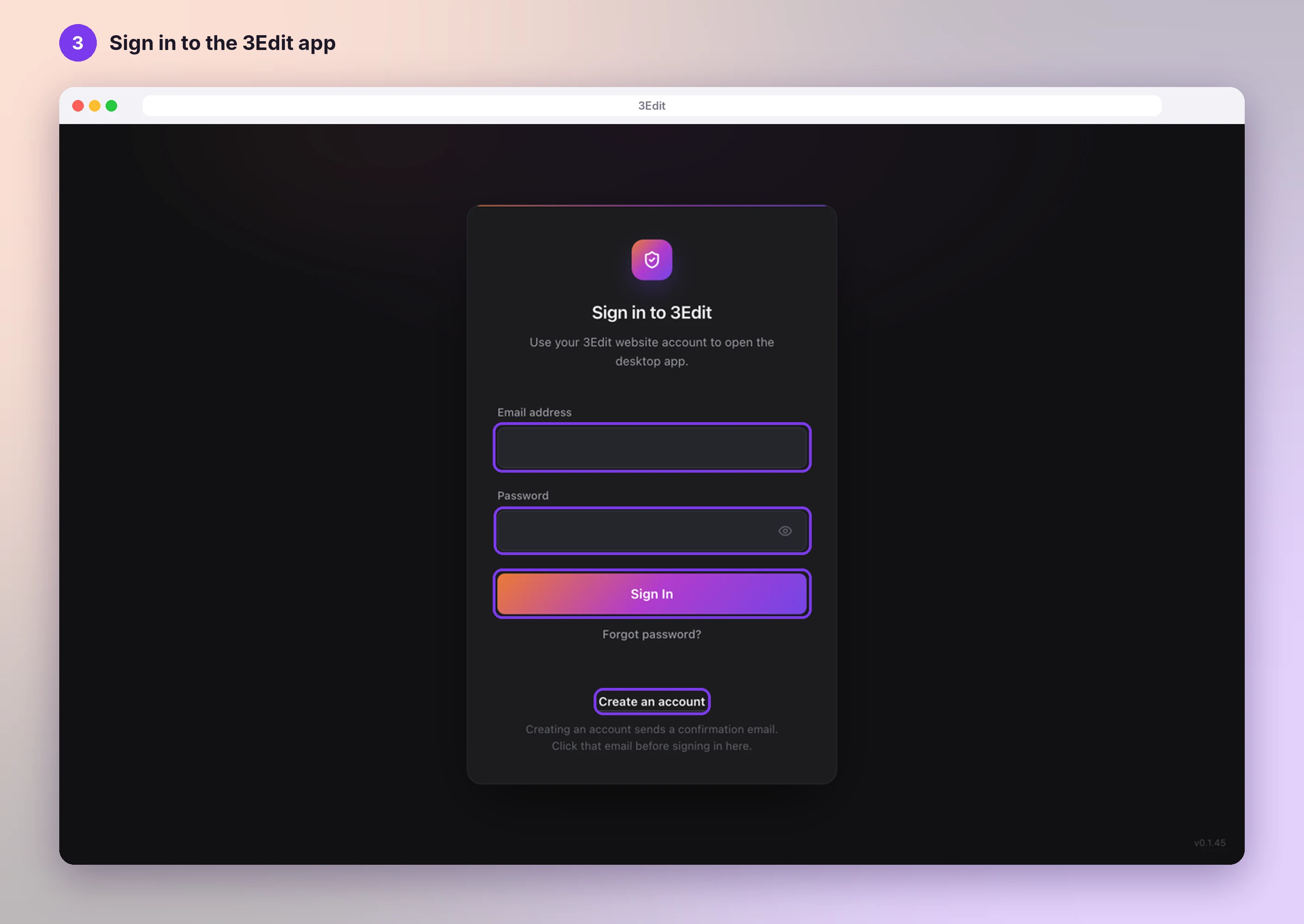
Open the 3Edit desktop app. On Sign in to 3Edit, enter your Email address and Password, then press Sign In. The app remembers you, so next time it opens straight away.
- Forgot your password? Press Forgot password? and 3Edit emails you a link to choose a new one.
- Don’t have the app yet? Download 3Edit for Mac or Windows.
Welcome to your 3Edit home
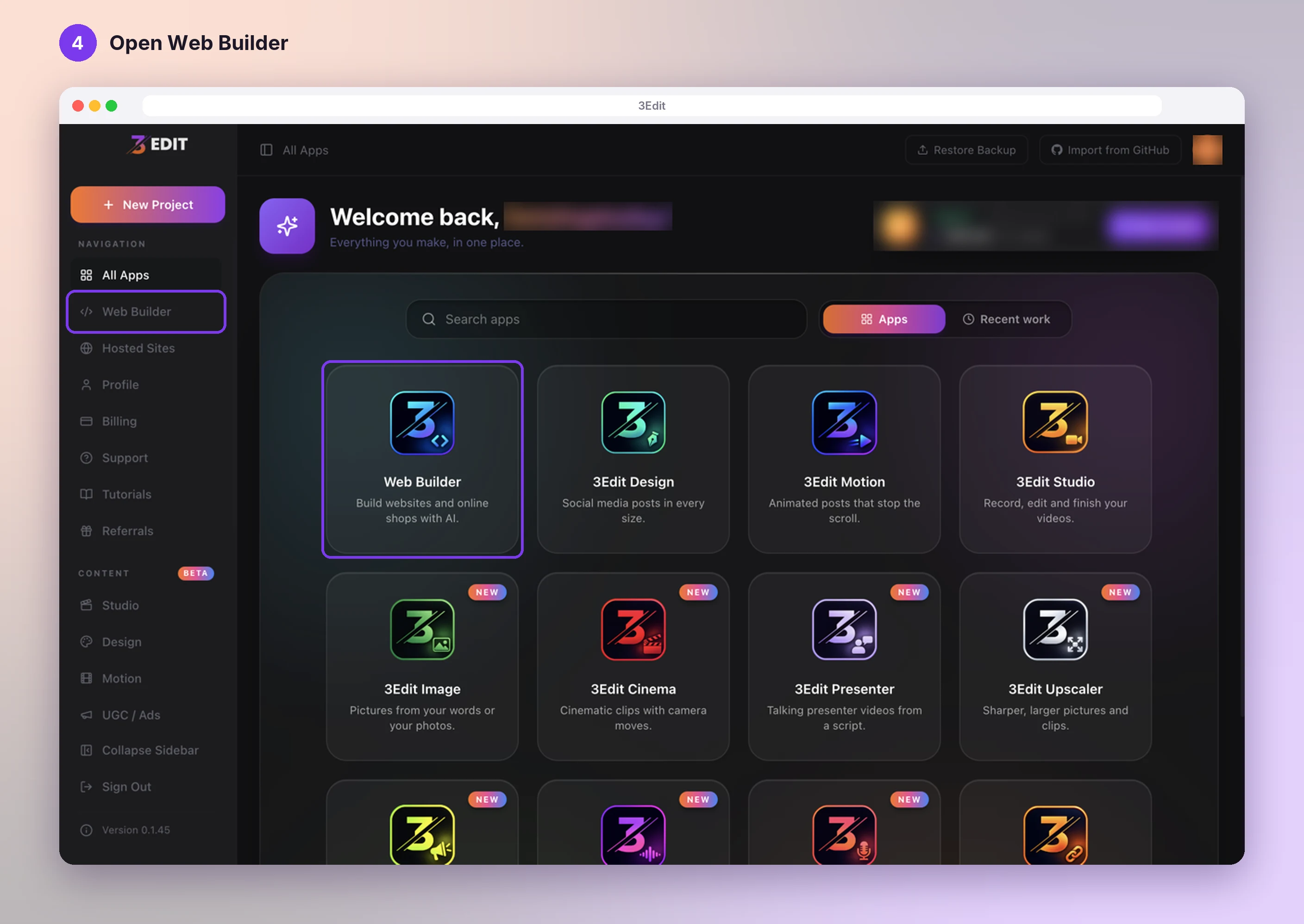
You arrive on All Apps, your 3Edit home. Every app is here, and your online store starts in the first one: Web Builder, which builds websites and online shops with AI. Click its tile, or Web Builder in the left sidebar.
Next: Choose the Ecommerce starter kit.
- Choose the Ecommerce starter kitStart your store from the Ecommerce starter kit: shop pages, cart, checkout, customer accounts and a full store admin, ready in minutes.Next guide
- Set up your print on demand store, step by stepThe hands-on setup tutorial: nine steps with screenshots, from your 3Edit account to Printful, your first product and your live store.Read the guide
Start vibe coding today.
Download 3Edit for Mac or Windows and build your first professional website in minutes.