 EDIT
EDIT Guides
Build your online store, step by step.
Short, friendly guides with real screenshots from the 3Edit app: build your store, connect payments, emails and Printful, design products with AI and publish.
On this page
Start here.
Ready to set up your store? The setup tutorial takes you through all nine steps, from your account to your first order. New to print on demand? See how print on demand works with 3Edit.
The setup tutorialSet up your print on demand store, step by stepThe hands-on setup tutorial: nine steps with screenshots, from your 3Edit account to Printful, your first product and your live store.Read the tutorial
Step-by-step guides.
Each guide covers one part of your store, with numbered steps and screenshots. Follow them in order, or jump to the one you need.
- Guide 1Create your 3Edit accountCreate your 3Edit account on 3edit.com: it starts with a 7-day free trial. Confirm your email and sign in to the desktop app, and you are ready to build your store.Read the tutorial
- Guide 2Choose the Ecommerce starter kitStart your store from the Ecommerce starter kit: shop pages, cart, checkout, customer accounts and a full store admin, ready in minutes.Read the tutorial
- Guide 3Create and connect your Supabase accountTwo short parts with screenshots: create your free Supabase account and organisation, then connect it to your store. 3Edit creates the database and all its tables for you.Read the tutorial
- Guide 4Open your store adminThe first account created on your store becomes its admin. Create yours in the store preview, sign in, and add more admins whenever you like by asking the chat.Read the tutorial
- Guide 5Set up payments with StripeChoose your currency, paste your two Stripe keys and you are ready to take card payments. 3Edit sets up the rest when you publish.Read the tutorial
- Guide 6Set up your store emailsYour store sends order confirmations, shipping updates and your own new-order alerts. Set them up with Resend, or with your own email server.Read the tutorial
- Guide 7Connect PrintfulSell T-shirts, hoodies, mugs and more without holding any stock. Printful prints and ships every order, and 3Edit connects your store to it in about five minutes.Read the tutorial
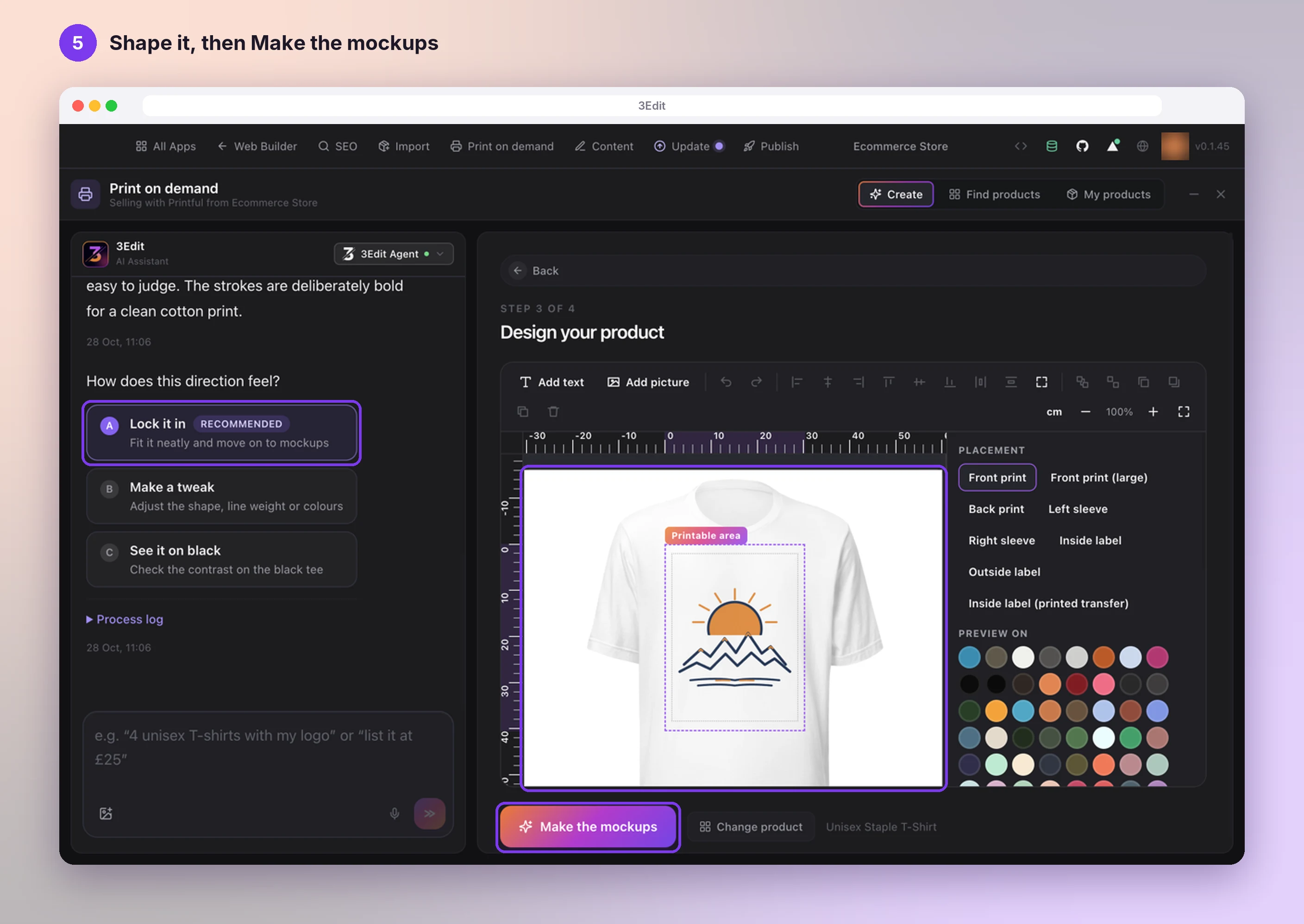
- Guide 8Create products with the Print on demand appPick a product, describe your idea and let the AI assistant design it with you. See it on real mockups, set your price and list it in your shop in one click.Read the tutorial
- Guide 9Publish your storePublish your store on 3Edit Cloud or your own Vercel in about a minute, then finish payments, emails and Printful on your live store.Read the tutorial
Start vibe coding today.
Download 3Edit for Mac or Windows and build your first professional website in minutes.
Download now
macOSWindows