 EDIT
 Lesson 24 · What this skill can do for you
How to make a business website with AI
A site that wins customers, and that you can change yourself.
Your business website is often the first thing a customer sees. Learn what a good business site needs, the pages that turn visitors into enquiries, the basics that help local customers find you, and how vibe coding lets you keep it fresh yourself.
About 9 minutes to readLast updated
On this page
Why your own website matters
Social pages and marketplace listings are useful, but your own website is the one place where you set the rules: your words, your brand, your prices and your way of taking enquiries. It works for you around the clock, and it is yours.
Vibe coding changes the economics. Instead of waiting for someone else to make each change, you describe it and see it in the live preview. A new service, a seasonal offer or fresh opening hours becomes a two-minute job.
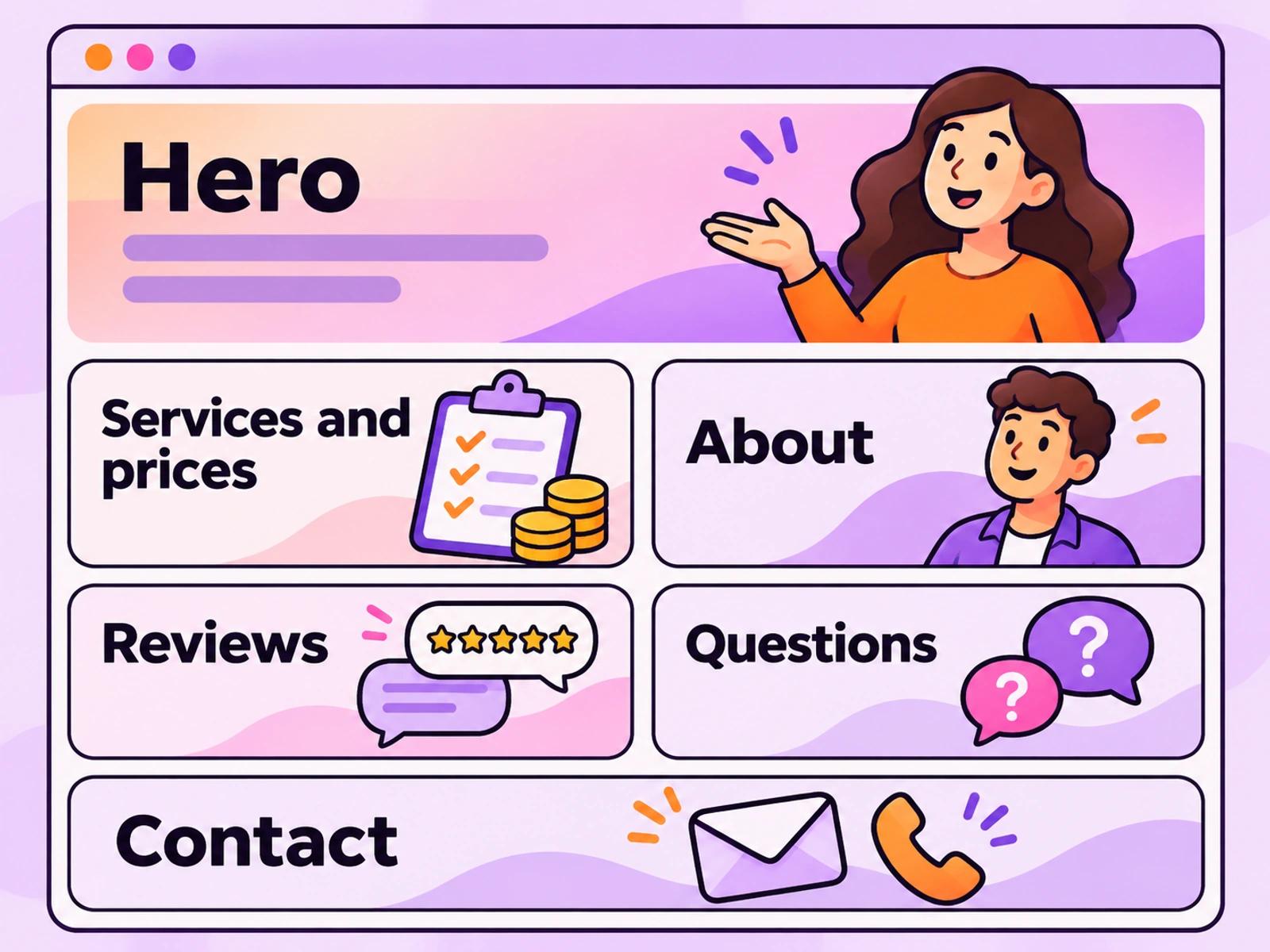
The pages that win customers
| Page or section | Its job |
|---|---|
| Home and hero | Say what you do, for whom and where, with one main button |
| Services and prices | Help people choose, with clear prices or “from” prices |
| About | Show the people behind the business and why they care |
| Reviews | Let happy customers reassure new ones |
| Contact or booking | Make the next step easy: a form, a phone number, a map |
| Frequently asked questions | Answer the questions people ask before they buy |
Does a business site need a database?
Often not. A site that explains your services and shows your phone number can stay simple. As soon as you want to keep enquiries in one place, take bookings or let customers sign in, connect a database, as lesson 7 explains. Many business sites start simple and add a booking form or a customer area later.
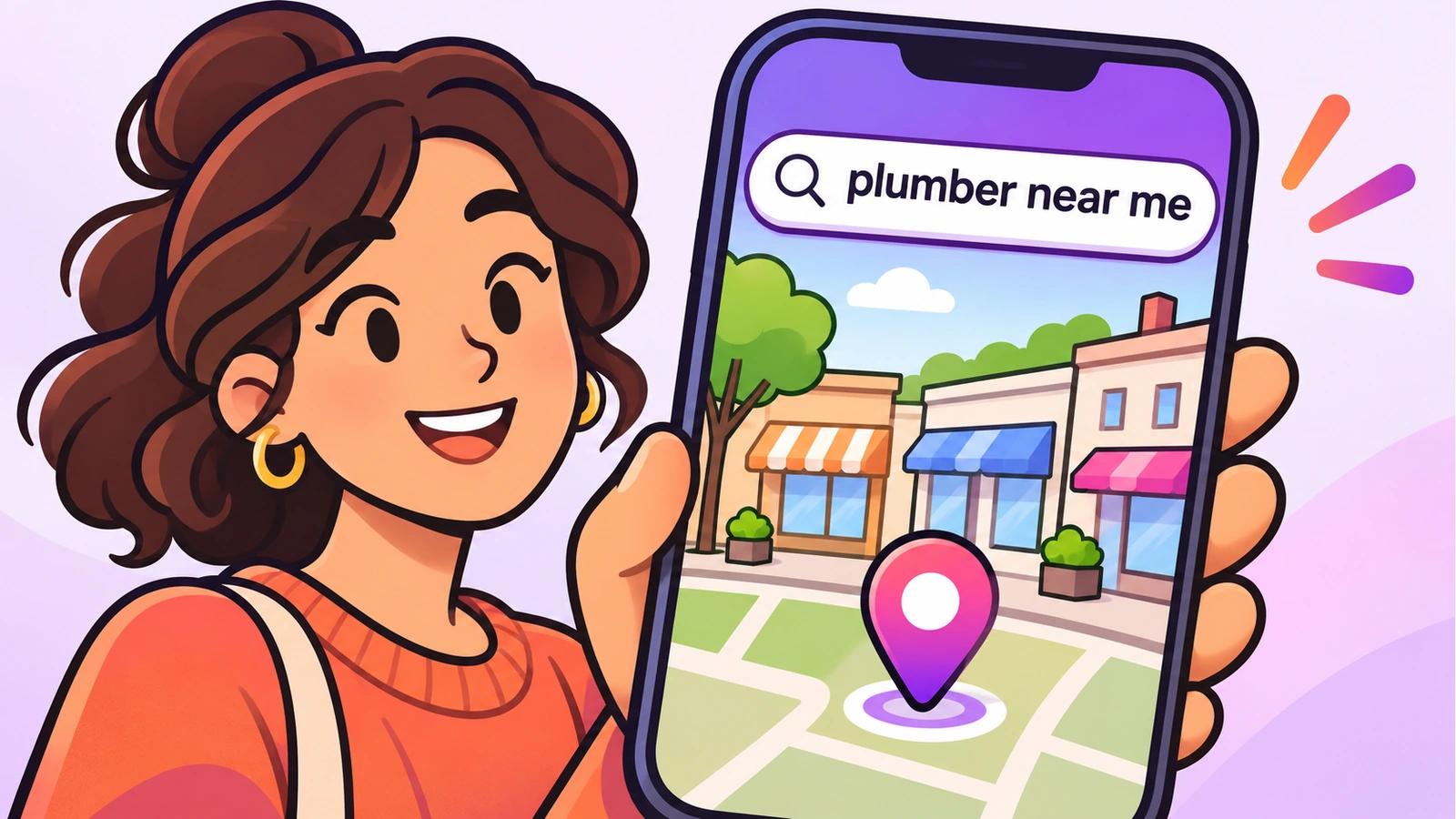
Help local customers find you
- Say where you are: your town or area in the hero, your full address and opening hours on the contact page.
- One page per main service: “Deep cleaning in East London” can be found by people searching for exactly that.
- Unique titles and descriptions for every page, and a sitemap submitted to Google Search Console. The SEO guide shows how.
- Your own domain: an address like www.yourbusiness.com looks established and is easy to share.
Keep it fresh yourself
A website that shows last year’s prices costs trust. Set a habit: once a month, open your project, read every page like a customer, and ask for the changes in plain words. New photos of your work, a new review or a seasonal offer keep the site alive, and each one is a single prompt.
Prefer to learn in a room with us? Join the free class in Canary Wharf, where you build and publish a service website in one evening.
Try it in 3Edit.
Build a website for a real local business you know, or use this example. Start a new project and paste the prompts in order, checking each result in the live preview.
The businesses in these prompts are fictional practice examples. When you build for a real business, only ever show real reviews from real customers: invented reviews mislead customers and are against UK consumer law.
- 1The business brief
Build a website for Brightside Plumbing, a family plumbing business in Croydon, London. Services with “from” prices: boiler servicing from £80, leak repairs from £60 and bathroom fitting by quote. Sections: a hero with “Call now” and “Request a quote” buttons, services, why choose us (Gas Safe registered, 20 years’ experience, tidy work), a reviews section with a short note that real customer reviews will be added later (don’t write any reviews), frequently asked questions, and contact with this practice address and hours: 17 Station Parade, Croydon; Monday to Saturday 8:00 to 18:00; phone 020 7946 0654. Trustworthy, clean and quick to use on a phone.
- 2A page per service
Give each service its own page, with a clear title mentioning Croydon, a short description of what’s included, the price, and a “Request a quote” button. Link each page from the services section.
- 3Ready to be found
Give every page its own title and one-sentence description for search results, add the full business address and opening hours to the contact page and the footer, and check every page on a phone.
Then publish, connect your domain, and submit your sitemap in Google Search Console, as the SEO guide shows.
Do it step by step.
This lesson explains the what, the why and the when. These guides and pages show every click.
- SEO for vibe-coded websitesUnique titles and descriptions, a sitemap, Search Console and content search engines can see.Read the guide
- Add a custom domainConnect your own domain: add the DNS records 3Edit shows you, press Refresh, and it’s live.Read the guide
- Free AI website building course in LondonBuild and publish a service website with us, in person, in Canary Wharf.See the course
Words in this lesson
Next: Start a web design agency with AI
About the author.
Written by Humayun Rashed, founder of 3Edit. He also runs 3Edit’s free in-person AI website building and vibe coding course in London.
Questions people ask.
A clear hero saying what you do and where, your services with prices, an about section, reviews, frequently asked questions and an easy contact or booking option, all working well on a phone.
Yes. With vibe coding you describe your business and the AI builds the site, which you then review and refine in plain words. You can also keep it up to date yourself, one prompt at a time.
Not to start with. A site that explains your services can stay simple. Connect a database when you want to keep enquiries, take bookings or let customers sign in.
Mention your area clearly, give each main service its own page, give every page a unique title and description, add your address and opening hours, and submit a sitemap. The SEO guide has the full checklist.
Yes. 3Edit runs a free AI website building and vibe coding course in Canary Wharf, London, where you build and publish a service website.
Start vibe coding today.
Download 3Edit for Mac or Windows and build your first professional website in minutes.