 EDIT
 Lesson 23 · Advanced
Vibe coding best practices for larger projects
The habits that keep a growing app on track.
Small sites forgive almost anything. Larger apps reward good habits. Learn the practices that keep a growing project clear for you and for the AI: a plan, a notes file, small steps, regular testing, safe saving and a calm way out when the AI gets stuck.
About 9 minutes to readLast updated
On this page
Why larger projects need habits
In a one-page site, every change is easy to see. In a larger app, with logins, roles, payments and dozens of pages, a change in one place can quietly affect another, and a long chat can drift away from decisions you made weeks ago.
Good habits keep two things clear: what the app is meant to do, and what changed most recently. With both clear, the AI makes better changes and you catch problems early.
Ten habits for larger projects
| Habit | Why it helps |
|---|---|
| Plan before each big feature | Ask the AI to explain its plan first and fix misunderstandings while they’re still words. |
| Keep a project notes file | A short file with what the app does, its roles and its rules keeps every chat, and every engine, on the same page. |
| One change at a time | Small steps are easy to check and easy to undo. |
| Say what must not change | “Keep everything else the same” protects what already works. |
| Test after every feature | Click through it as a visitor and with two accounts before you move on. |
| Save good versions | Each working version is a point you can restore. |
| Keep a copy in your own GitHub | A second copy of every saved version, outside your computer. |
| Decide important things on the server | Prices, permissions and who owns what are checked in the backend, where visitors can’t change them. |
| Start a fresh chat when it drifts | A short summary and the exact problem give the AI a clean start. |
| Switch engines when stuck | A different engine often sees a stubborn problem fresh. |
The project notes file
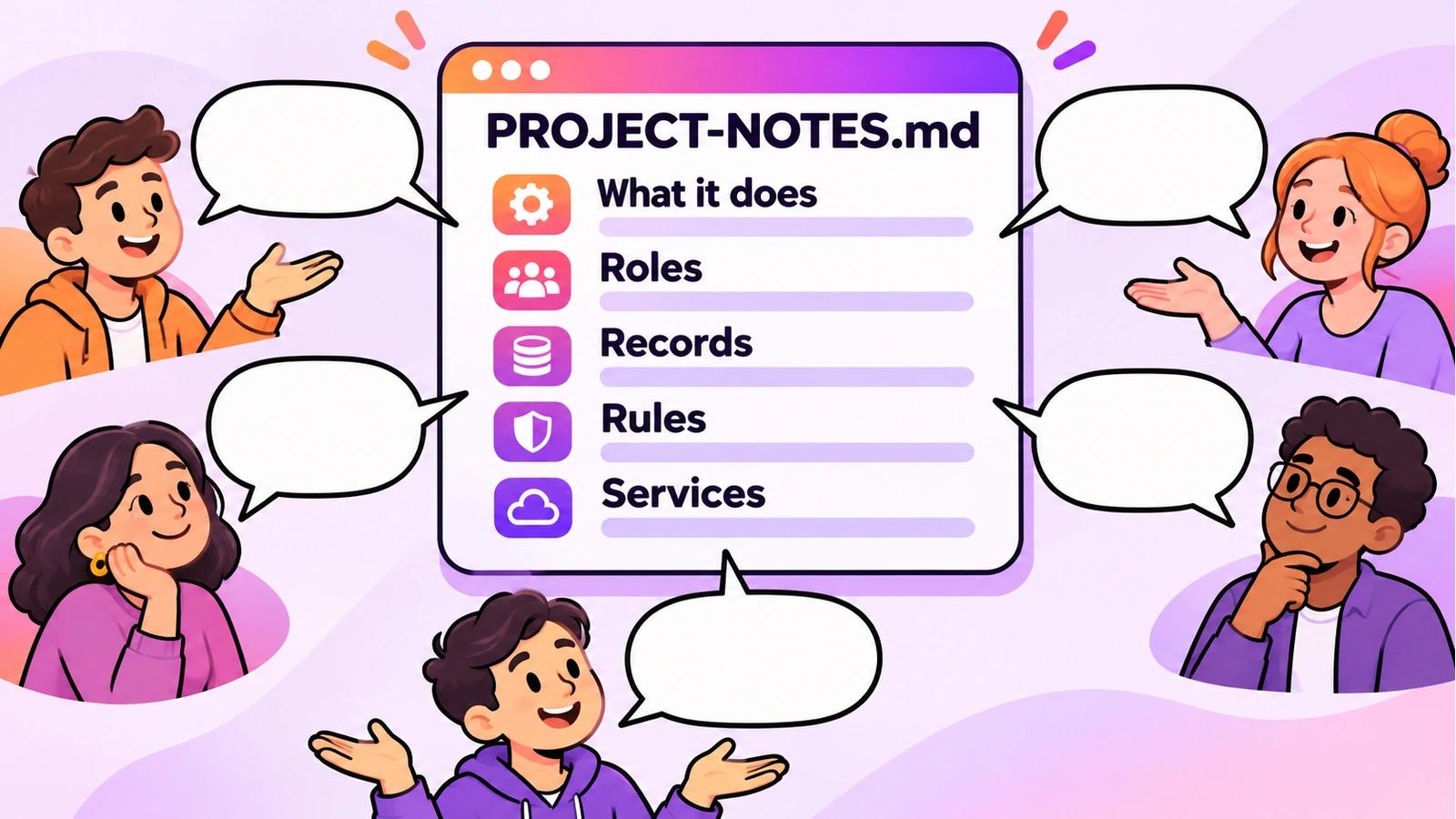
A project notes file is a short document inside your project that describes it in plain words. Ask the AI to create one, keep it up to date, and read it before each big change. It is the single most useful habit for a growing app, because it holds the decisions that a long chat forgets.
- What the app does, in two or three sentences.
- The roles and what each may see and do.
- The main records and their important fields.
- The rules the business relies on, such as how prices or refunds work.
- The services it connects to, never the keys themselves.
When the AI gets stuck
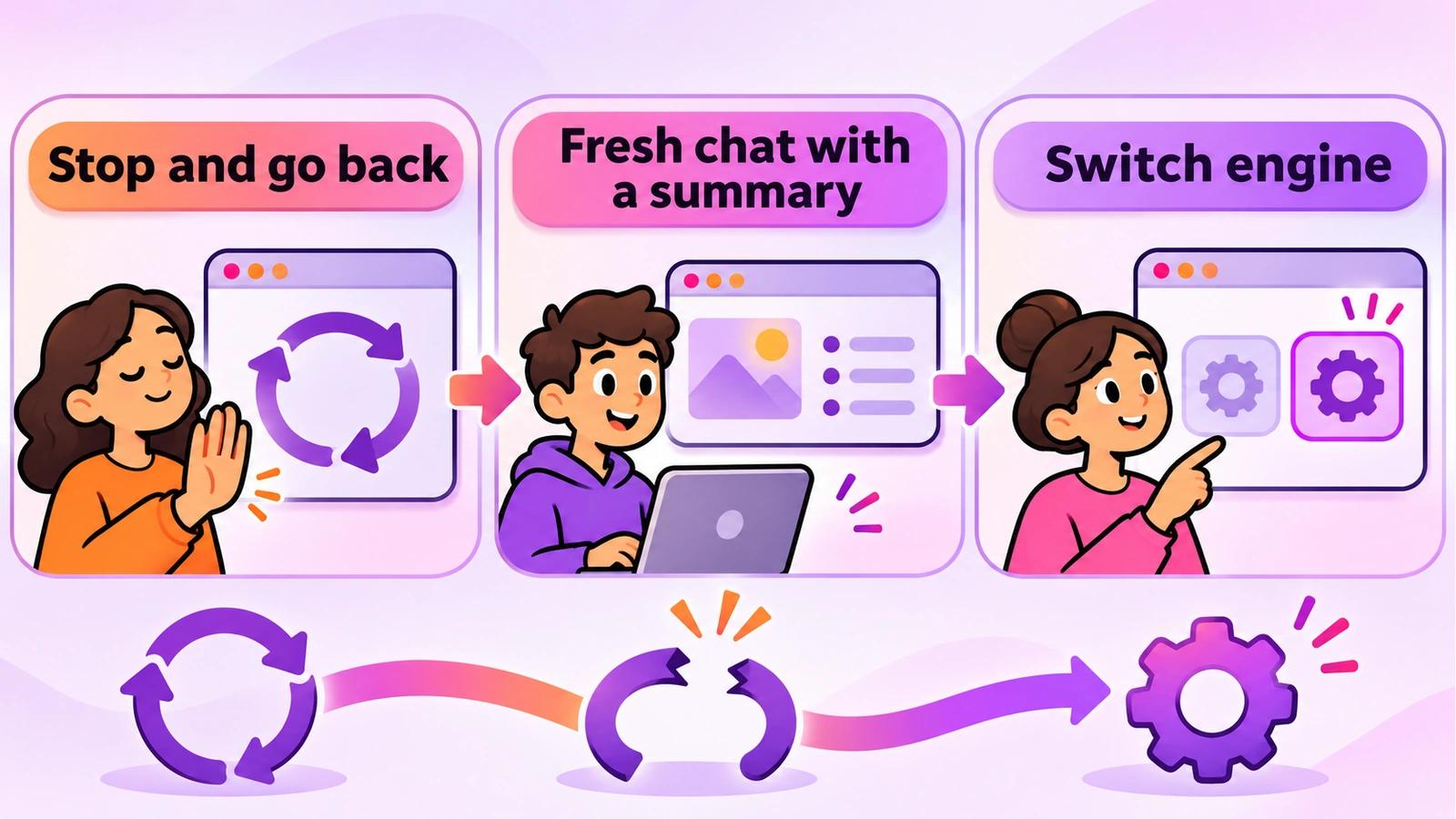
Every AI coding agent sometimes circles the same problem. The fix is rarely to ask a tenth time. Stop, and go back to the last version that worked. Start a fresh chat with a short summary and the exact error. If it still won’t move, let a different AI look at it.
In 3Edit you can switch between Claude Code, Codex, the 3Edit Agent and 3Edit Node at any time from the agent menu, and carry on in the same project. The stuck in a loop guide explains each step.
Keeping a larger app safe
- Re-check access rules after every feature that touches data: a new table needs its own rules.
- Keep secret keys in 3Edit’s secure key form, never in the chat, a page or a file.
- Use test keys until launch, and test payments again after switching to live keys.
- Run the full checklists before each release: the testing guide and security basics apply to every update, not just the first launch.
Know when to bring in an expert
Vibe coding takes you a very long way, and it’s a strength to know where a specialist adds value. Bring in an experienced developer or security professional before launch if your app stores health information, takes payments at scale, collects children’s data, or would cause real harm if its data leaked. Your project is standard Next.js code, so they can open it and start straight away.
Try it in 3Edit.
Use these prompts on any project with more than a few pages. Paste them one at a time; the first two set up habits you’ll use for the life of the project.
The businesses in these prompts are fictional practice examples. When you build for a real business, only ever show real reviews from real customers: invented reviews mislead customers and are against UK consumer law.
- 1Create the project notes file
Create a project notes file called PROJECT-NOTES.md in my project. Describe in plain words what the app does, its roles and what each may see and do, its main records and their important fields, the business rules it relies on, and the services it connects to. Do not include any keys or secrets.
- 2Read the notes first
Before you make any change from now on, read PROJECT-NOTES.md and tell me if my request conflicts with anything in it. If a change adds a new role, record or rule, update the notes file too.
- 3Plan a big feature
I want to add a waiting list: when a class is full, visitors can join a waiting list and get an email when a place opens. Before you build anything, explain the plan: the new records, the pages, the emails, who may see what, and anything in my project notes it affects.
- 4A fresh start, with a summary
Summarise this project and our last few changes in a short paragraph I can paste into a new chat: what the app does, what we were working on, what works, and the exact problem still open.
Keep the summary from the last prompt. If a chat ever starts to drift, paste it into a fresh chat, or into another engine, and carry on from a clean start.
Do it step by step.
This lesson explains the what, the why and the when. These guides and pages show every click.
- AI coding agent stuck in a loop?Why agents get stuck, five fixes that work in any tool, and how to switch engines in 3Edit and carry on.Read the guide
- Connect GitHub to 3EditA private repository in your own GitHub account, updated each time you save.Read the guide
- Connect Claude Code or Codex in 3EditAdd your own ChatGPT account or paid Claude plan as another engine for the same project.Read the guide
- Security basics for vibe-coded appsSecret keys, row level security and a self-check you can run before each release.Read the guide
Next: Build your own business website
About the author.
Written by Humayun Rashed, founder of 3Edit. He also runs 3Edit’s free in-person AI website building and vibe coding course in London.
Questions people ask.
Plan before each big feature, keep a short project notes file, make one change at a time, say what must not change, test after every feature, save good versions, keep a copy in your own GitHub, decide important things on the server, start a fresh chat when it drifts, and switch engines when stuck.
A short document in your project that describes what the app does, its roles, its main records, its business rules and the services it connects to, in plain words. The AI reads it before big changes, so decisions aren’t lost in a long chat.
A larger app has more parts that affect each other, and a long chat can drift from earlier decisions. Small steps, a project notes file, testing after every feature and fresh chats with a short summary all help.
Stop and go back to the last version that worked, start a fresh chat with a short summary and the exact error, or let a different engine look at it. The stuck in a loop guide explains each step.
Whenever a specialist would add value, and especially before launch if your app stores health information, takes payments at scale, collects children’s data, or would cause real harm if its data leaked.
Start vibe coding today.
Download 3Edit for Mac or Windows and build your first professional website in minutes.