 EDIT
 Lesson 22 · Advanced
What is Next.js, and why does owning your code matter?
Standard code you can take anywhere, and hand to anyone.
Behind every 3Edit project is standard Next.js code that belongs to you. Learn what Next.js is, why owning standard code matters as your project grows, and how to hand it to a developer or move it to another host when the time comes.
About 8 minutes to readLast updated
On this page
What Next.js is
A framework is a ready-made structure for building software, so nobody starts from a blank page. Next.js is a framework for websites and web apps, built on React, and it is used by teams of every size around the world.
Its big strength for vibe coders is that it holds both halves of a web app in one project: the pages visitors see (the frontend) and the server routes that do work behind the scenes (the backend). That’s exactly what you learnt about in chapter 2, in one tidy, standard shape.
Why owning standard code matters
Some builders keep your project in their own format, so it can only live with them. Standard code works the other way round: it is the same kind of project a developer would build by hand, so it can go anywhere and anyone with the right skills can work on it.
- No lock-in: your website or app isn’t tied to one tool or one host.
- Help is easy to find: Next.js is widely known, so many developers can pick up your project.
- It grows with you: an MVP built on standard code is a foundation you can keep building on.
- It holds its value: for a business, a product or a client, code you own is an asset.
Your code in 3Edit
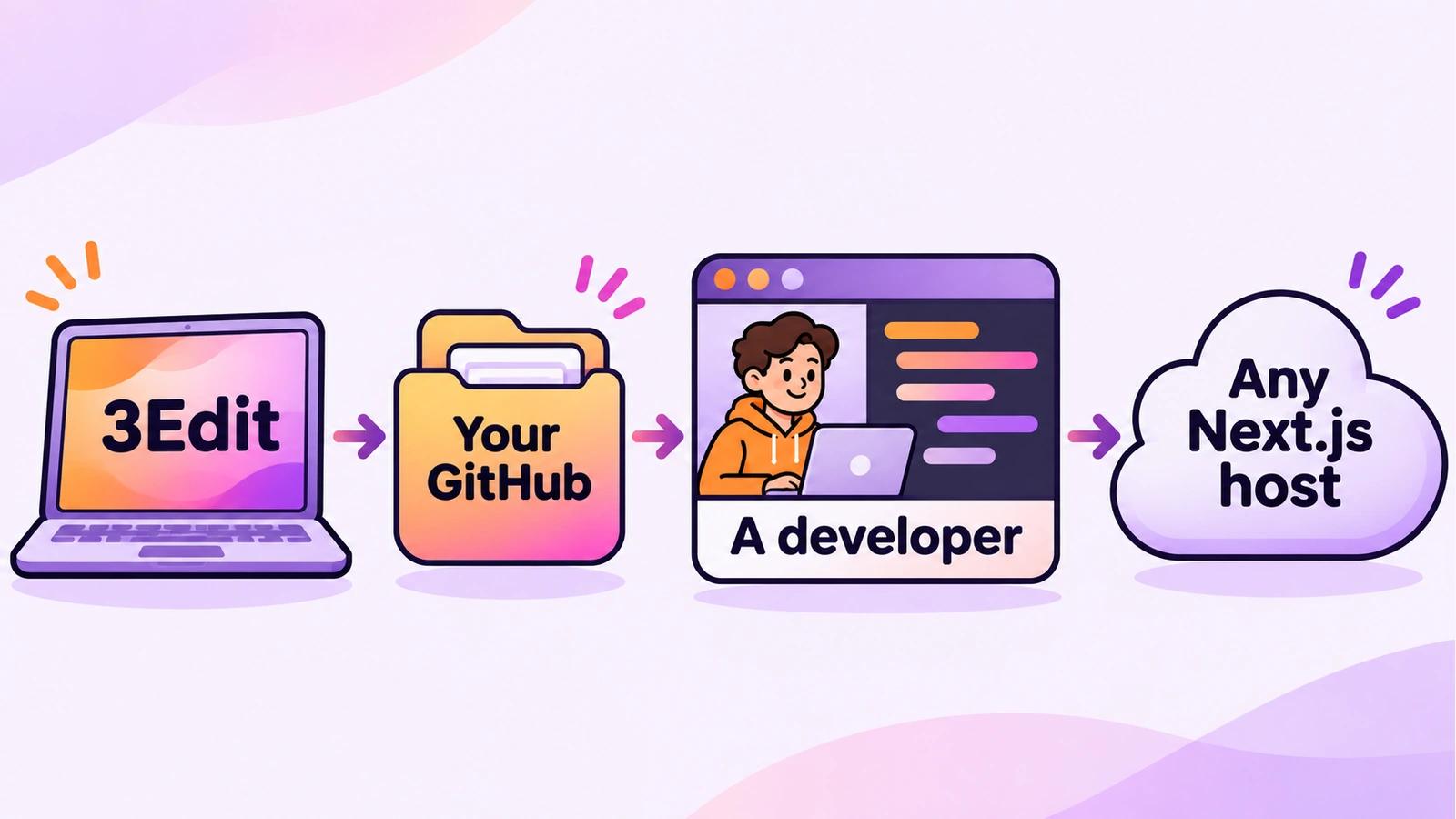
Your project is standard Next.js code, and it’s yours. It’s saved on your computer, you can download the complete project from 3Edit, and you can keep it in your own GitHub. Secret keys are left out of the download for safety, so you add them again wherever you host it.
Node.js is built into the app, so there is nothing to install to build and preview your project, and GitHub works without Git. When you publish, you can choose 3Edit hosting or your own Vercel, or host it anywhere that supports Next.js.
Handing over to a developer
Bringing in a developer is a normal step as a project grows: for a tricky feature, a review before a big launch, or ongoing work. A good handover takes minutes and saves them hours.
- Share the code through GitHub: connect your own GitHub, and invite the developer to your private repository.
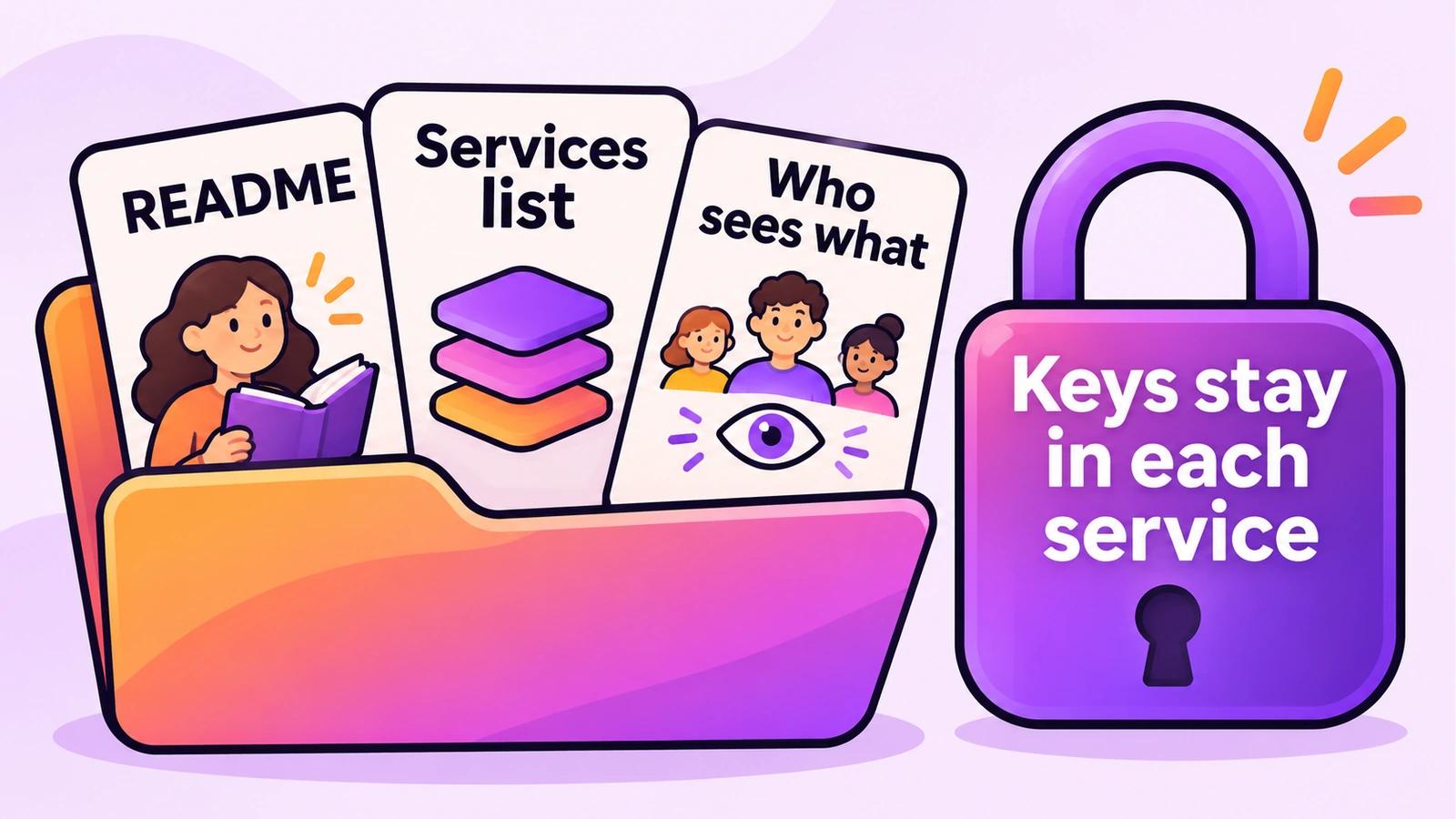
- Write a short README: what the app does, its main pages and features, and the services it connects to. Ask the AI to draft it, with no keys in it.
- List the services, not the secrets: Supabase, Stripe, email and hosting. Share keys only through each service’s own team settings, never in a message or a file.
- Explain the rules: who may see what, and anything the business relies on, such as prices or how refunds work.
- Agree how you’ll work together: for example, the developer works in a separate copy, and you agree before changes go live.
Moving to another host
Most projects stay where they’re first published. If you ever want to move, standard Next.js makes it straightforward: download the complete project or take it from your GitHub, deploy it with any host that supports Next.js, and add your secret keys again in that host’s own settings. Then point your domain at the new host with its DNS records.
Should you learn to read the code?
You don’t need to, and many successful vibe coders never do. Still, a little goes a long way as your projects grow: knowing where pages live, recognising a server route, or spotting a key that shouldn’t be in a file. A good way to learn is to ask the AI to explain a small part of your own project in plain words, one part at a time.
Try it in 3Edit.
These prompts help you understand and hand over any project you have built. Open a project in 3Edit and paste them one at a time; none of them changes how the site works.
The businesses in these prompts are fictional practice examples. When you build for a real business, only ever show real reviews from real customers: invented reviews mislead customers and are against UK consumer law.
- 1A tour of my code
Give me a plain-words tour of my project’s code: where the pages live, where the server routes are, where the database is used, and which files I’m most likely to ask you to change. Don’t change anything.
- 2A README for a developer
Write a README for a developer joining this project: what the app does, its main pages and features, its roles and who may see what, the services it connects to (Supabase, payments, email, hosting), and how to run it locally. Do not include any keys or secrets.
- 3What would a developer check?
Imagine you’re an experienced developer reviewing this project for the first time. List the five things you would check or improve first, in plain words, most important first. Don’t change anything yet.
Save the README in your project, then connect GitHub: the README becomes the first page anyone sees in your repository, and your handover is half done.
Do it step by step.
This lesson explains the what, the why and the when. These guides and pages show every click.
- Connect GitHub to 3EditKeep your code in a private repository in your own GitHub account, updated each time you save.Read the guide
- Connect your own VercelPublish on your own Vercel account in a few clicks. No GitHub needed.Read the guide
- Where your code lives, comparedLovable, Bolt, Replit and v0 compared with 3Edit: what each is best for and where your code lives.See the comparison
Next: Large projects and good AI habits
About the author.
Written by Humayun Rashed, founder of 3Edit. He also runs 3Edit’s free in-person AI website building and vibe coding course in London.
Questions people ask.
Next.js is a widely used framework for building websites and web apps. It holds the pages visitors see and the server routes that work behind the scenes in one standard project.
Yes. Your project is standard Next.js code, and it’s yours. It’s saved on your computer, you can download the complete project from 3Edit, and you can keep it in your own GitHub.
Yes. Projects are standard Next.js, so a developer can open the project in VS Code or any editor and continue. Connecting GitHub gives them a private repository to work from.
Yes. You can publish to your own Vercel or to 3Edit hosting, or host it anywhere that supports Next.js. Secret keys are left out of downloads for safety and are added again wherever it is hosted.
No. Many vibe coders never read their code. Asking the AI to explain small parts of your own project in plain words is an easy way to learn a little as your projects grow.
Start vibe coding today.
Download 3Edit for Mac or Windows and build your first professional website in minutes.