 EDIT
 Lesson 21 · Advanced
How to build an MVP with AI
The smallest version that proves your idea, built properly.
An MVP is the smallest version of a product that real people can use. Learn how to scope one, plan its data and roles before you build, and grow it one feature at a time, whether it’s a SaaS idea, a client portal or a tool for your own team.
About 10 minutes to readLast updated
On this page
What an MVP is, and why it wins
MVP stands for minimum viable product: the smallest version of your idea that real people can use and that tells you whether it’s worth building further. A SaaS product is software people use in their browser, usually by signing in and often paying a subscription. An internal tool is the same kind of app, built for your own team: a booking board, a CRM, a stock list or a dashboard.
Vibe coding is a superb way to build both, because you can go from idea to something people can use very quickly. The skill that makes the difference isn’t speed, though; it’s choosing what to leave out.
Scope it small
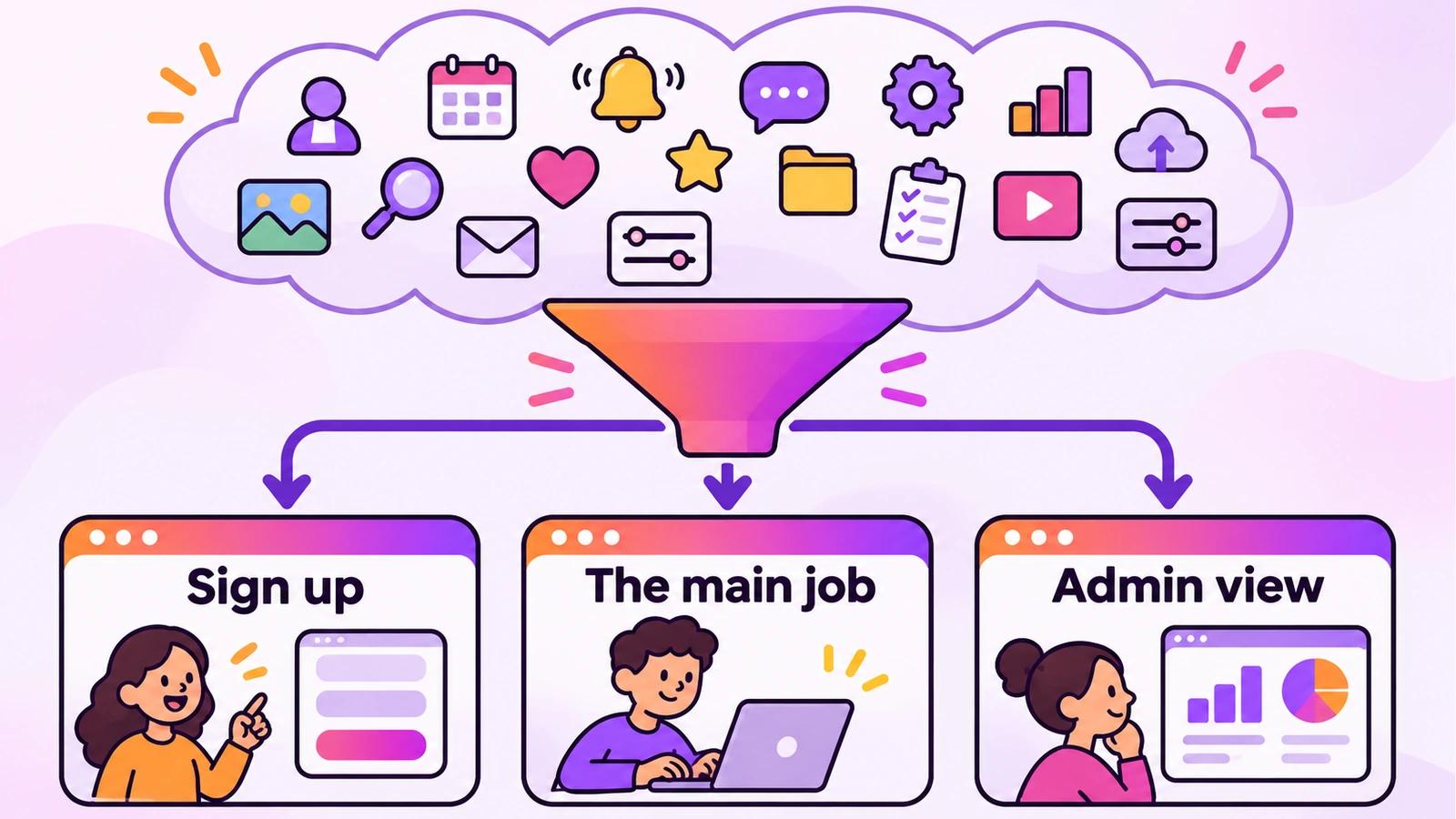
Write your idea in one sentence: “[Who] can [do one main job] so that [result].” For example: “Dog groomers can see and manage the day’s appointments so that nothing is double-booked.” Everything in the MVP serves that sentence. Everything else waits.
| In the MVP | Later |
|---|---|
| Sign-up and login for the one main kind of user | Teams, invitations and extra roles |
| The one main job, from start to finish | Nice-to-have features around it |
| A simple admin view for you | Reports, exports and charts |
| One way to pay, if it charges | Discounts, coupons and several plans |
Plan the data and roles first
Before any screens, decide what the app has to remember and who may see it. This is the backend from chapter 2, and it’s the part that is hardest to change later, so a few minutes here save hours.
Write it as plain lists: each kind of record with its fields (“Appointment: client name, dog’s name, service, date and time, status”), each role with what it may do (“Groomer: sees and changes their own appointments; Owner: sees everything”). Then ask the AI to explain its plan for tables and access rules before it builds anything, and correct it while it’s still words.
Build in thin slices
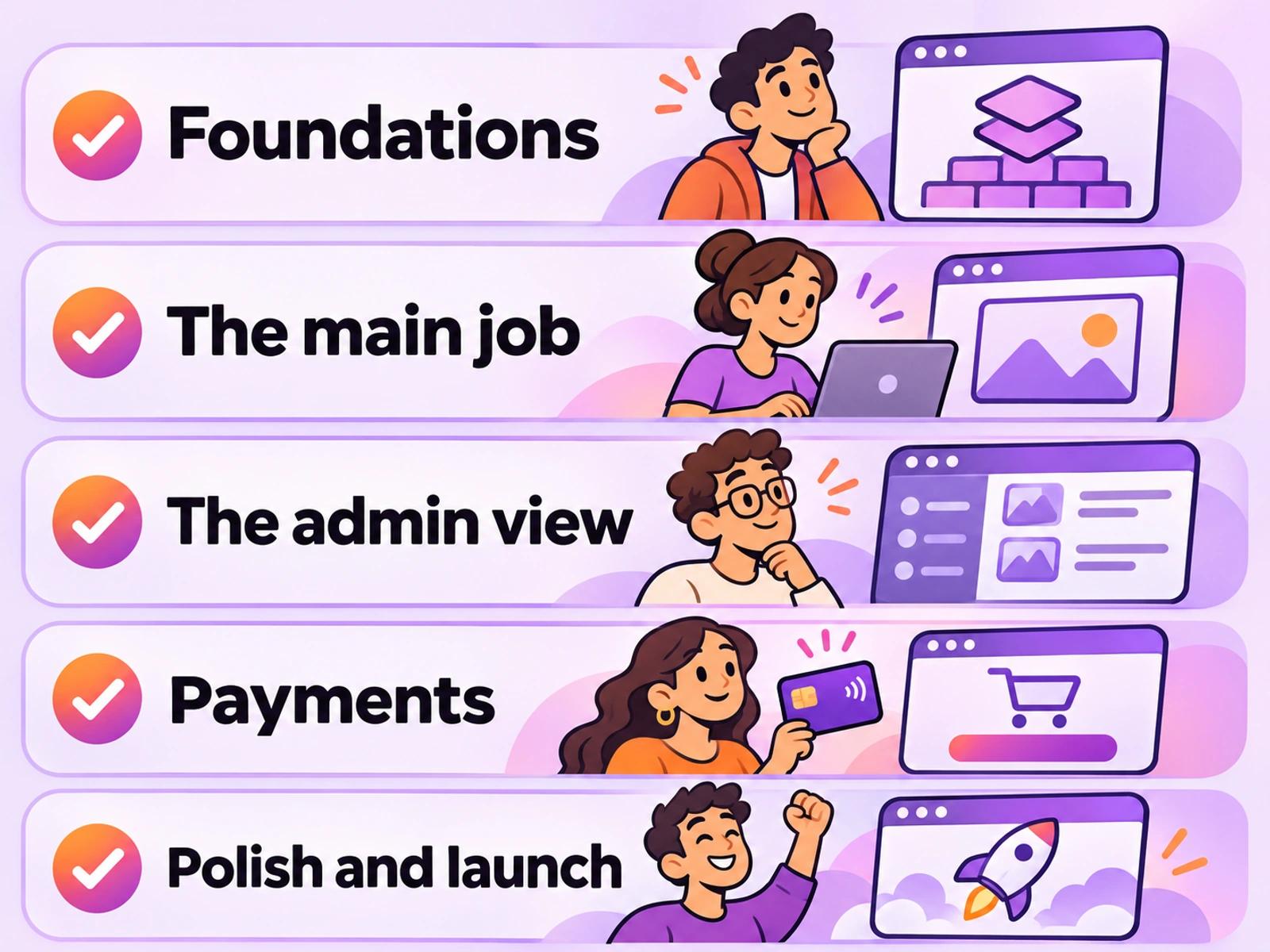
Build the MVP as a series of thin slices, each one working from start to finish before the next begins. A slice is one small job a user can complete: “add an appointment”, then “see today’s appointments”, then “mark one as done”.
- FoundationsConnect your own Supabase, then sign-up, login and the roles.
- The main jobThe one feature that makes the product worth using, built and tested on its own.
- The admin viewA simple page for you to see what users are doing.
- Payments, if it chargesPayments with your own Stripe keys, tested with test keys first.
- Polish and launchClear words, a good first screen, the pre-launch checks, then publish.
What 3Edit builds for an MVP
3Edit builds web apps as well as websites: SaaS products and startup MVPs, booking systems, CRM tools, member areas, marketplaces, online stores, dashboards and internal tools. The 3Edit Agent builds the full stack: logins and roles, database tables and access rules in your own Supabase, server routes, and payments and email using your own keys.
Your project is standard Next.js code, so the MVP you build is a real foundation, not a throwaway prototype: a developer can open it and carry on, and you can host it anywhere that supports Next.js.
Put it in front of real users early
- Launch to a few people first: five real users teach you more than fifty features.
- Watch, don’t ask: see where people hesitate, then make that screen clearer.
- Keep a short list: every request goes on a list; build only what several people need.
- Test every change like launch day: the testing guide and security basics apply to every release, not just the first.
Try it in 3Edit.
Build a small internal tool for a dog grooming salon, slice by slice. Start a new project, connect your Supabase first, then paste the prompts in order and test each slice before the next.
The businesses in these prompts are fictional practice examples. When you build for a real business, only ever show real reviews from real customers: invented reviews mislead customers and are against UK consumer law.
- 1Plan before you build
I want to build a simple appointment tool for Pawfect Grooming, a dog grooming salon with three groomers and one owner. Groomers sign in and manage their own appointments; the owner sees everyone’s. Each appointment has a client name, phone, dog’s name, service (bath, full groom or nail trim), date and time, and a status (booked, done or cancelled). Before you build anything, explain the tables, roles and access rules you would create.
- 2Foundations
Build the foundations: sign-up and login, and two roles, groomer and owner. Make my account the owner. After login, groomers land on “My day” and the owner lands on “All appointments”. Keep the pages simple for now.
- 3The main job
Build the main job: on “My day”, a groomer can add an appointment, see today’s appointments in time order, and mark one as done or cancelled. Groomers must only ever see their own appointments, checked in the database.
- 4The owner’s view
On “All appointments”, show every groomer’s appointments for a chosen day, grouped by groomer, with a count of done appointments. Only the owner can open this page.
After each slice, test it with two accounts: one groomer and the owner. Check the groomer can’t see anyone else’s appointments, even by changing the address. That habit is what turns an MVP into a product people can trust.
Do it step by step.
This lesson explains the what, the why and the when. These guides and pages show every click.
- Connect Supabase to 3EditYour MVP’s database, logins and access rules live in your own Supabase.Read the guide
- Set up Stripe paymentsPaste your Stripe keys, test with test keys first, and your payment webhook is set up when you publish.Read the guide
- The 3Edit Web BuilderBuild websites, web apps and MVPs by chatting, in standard Next.js code you own.See the Web Builder
- Test a vibe-coded app before launchPages, forms, sign-up, payments in test mode, real phones and the production build.Read the guide
Next: Own your code: Next.js and handing over to a developer
About the author.
Written by Humayun Rashed, founder of 3Edit. He also runs 3Edit’s free in-person AI website building and vibe coding course in London.
Questions people ask.
A minimum viable product: the smallest version of your idea that real people can use, built to learn whether the idea is worth growing.
Yes. 3Edit builds web apps as well as websites, including SaaS products and startup MVPs, with logins and roles, database tables and access rules in your own Supabase, server routes, and payments and email using your own keys.
Sign-up and login for your main kind of user, the one main job from start to finish, a simple admin view for you, and one way to pay if it charges. Everything else can wait until real users ask for it.
It doesn’t have to be. In 3Edit your project is standard Next.js code that you own, so a developer can open it in VS Code or any editor and carry on.
Build in thin slices, test each with two accounts before the next, keep your work saved and backed up, and run the pre-launch checks before every release. The testing guide has the checklist.
Start vibe coding today.
Download 3Edit for Mac or Windows and build your first professional website in minutes.