 EDIT
 Guide 10 of 11
Customise your 3Edit store.
3Edit is an AI builder: after you start from the starter kit, you just say what you want changed.
About 5 minutesLast updated
On this page
Just ask (the best way)
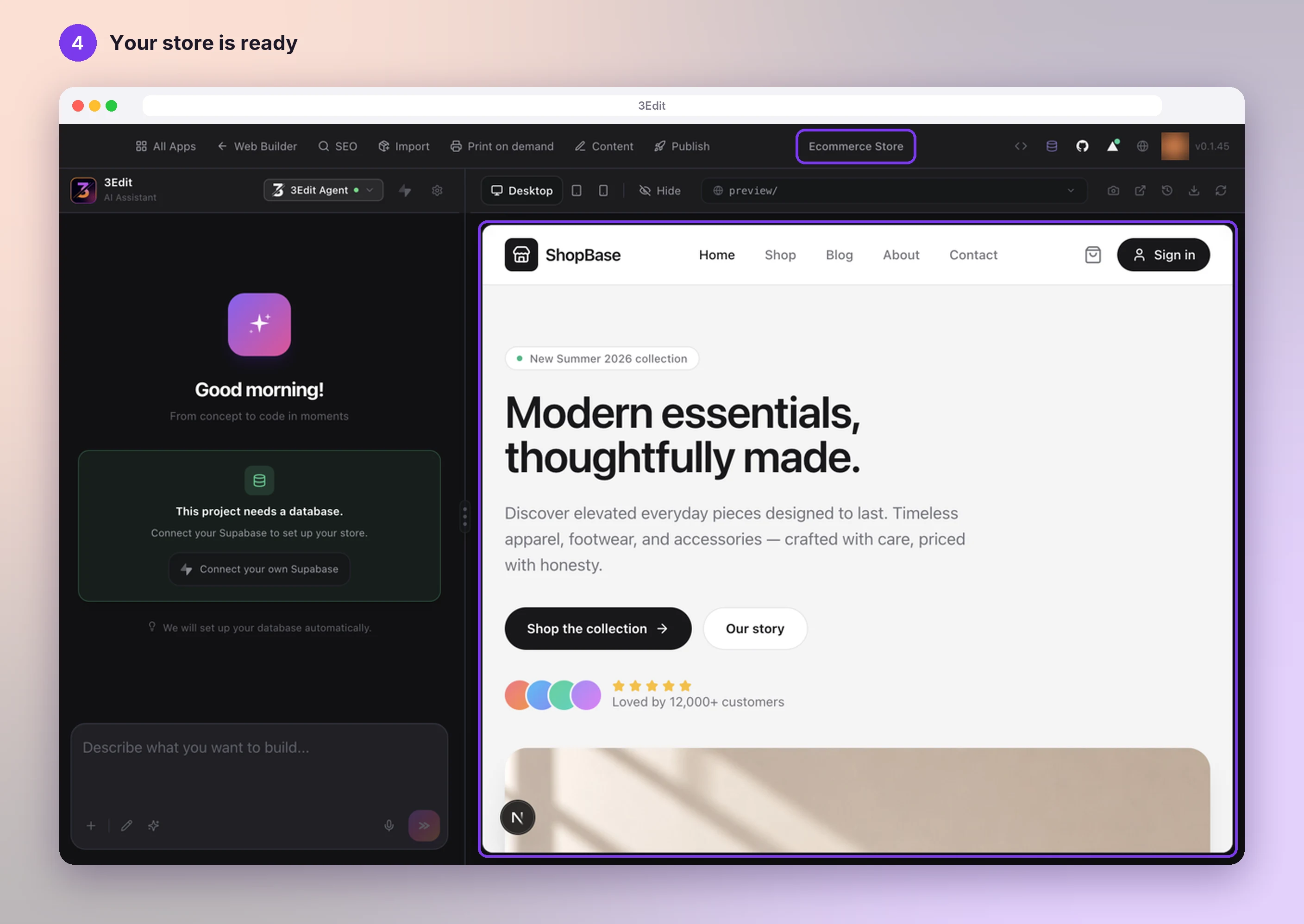
Open your store in the editor. The chat is on the left, next to your store’s preview.
Type what you want and press Enter. Watch the preview update. For example:
- “Make the colours green”
- “Put my logo in the header”
- “Change my store name to Crumb & Co”
- “Rewrite the home page for my bakery”
Show a design you like
Made a design in Figma, or seen a home page you love? Take a screenshot (PNG, JPG, WebP or GIF) and add it to the chat, then ask, for example “Make my home page in this style”.
To add it, press the plus button below the box (Attach an image), paste it into the box, or drag it onto the chat.
Not happy? Go back
Press Project History, the clock icon in the preview bar, then press Restore beside an earlier version.
This brings back your site’s design and pages, while your products and orders stay just as they are.
Designs you like
Use your own designs, or take inspiration from others. 3Edit creates your own original design in that style.
3Edit brings over the look: layout, colours and style. Your store’s own features, like the cart, checkout and admin, keep working, and anything in a screenshot your store doesn’t have is simply left out.
Good to know
- Quick edit? Press the pencil below the chat box (Open Visual Editor), click a text or picture in your preview, change it, then press Apply with AI.
- Add your logo and favicon in SEO → Identity. Apply Logo to Site puts your logo in the header, and Apply SEO to Site, under Overview, adds your favicon.
- Your changes show in your preview. Publish puts them live: see Publish your 3Edit store.
Helpful links
- 3edit.comThe 3Edit Web Builder
Next: Publish your 3Edit store.
- Publish your 3Edit storeGo live on 3Edit Cloud or your own Vercel in about a minute, then finish payments, emails and Printful on your live store.Next guide
- Create print on demand products in 3EditPick a product, describe your idea and let the AI assistant design it with you. See it on real mockups, set your price and list it in your shop in one click.Read the guide
- Set up your print on demand store in 3EditThe hands-on setup tutorial: nine steps with screenshots, from your 3Edit account to Printful, your first product and your live store.Read the guide
Questions people ask.
Yes. Your brand, logo, colours, fonts, pages, words and layout are all yours to change. Ask the chat in plain words and check the result in your preview.
Take inspiration instead: add a screenshot of a design you like, and 3Edit creates your own original design in that style.
Open Project History and press Restore beside an earlier version. 3Edit saves your current version first, so you can always come back to it.
Start vibe coding today.
Download 3Edit for Mac or Windows and build your first professional website in minutes.