 EDIT
 Lesson 20 · Practice projects
Project: build a members-only website
Private runs for members, the whole club for admins, in about 20 minutes.
Follow a real build from our test run: a website for a practice running club, with sign-up, a private “My runs” page for each member and an admin page for the club. It took about 20 minutes and 3 credits.
About 7 minutes to readLast updated
On this page
The project: Riverside Running Club
Riverside Running Club is a practice club, made up for this lesson. Members sign up, log their runs and see their own progress; the club’s admins see everyone’s distance for the month.
It’s the login project from lesson 9, built for real in 3Edit on 19 November 2026 with a test account, using lesson 9’s four practice prompts. With our Supabase connected first, it took about 20 minutes and 3 credits.
The rule that matters most
A members’ app is really a set of rules about who sees what. Write them down before you build, in plain words. These were ours:
| Who | What they can see |
|---|---|
| A visitor, signed out | The public home page, and the sign-up and sign-in pages |
| A member | Their own runs, and nobody else’s |
| An admin | Every member and their total distance this month |
The home page and the members’ area
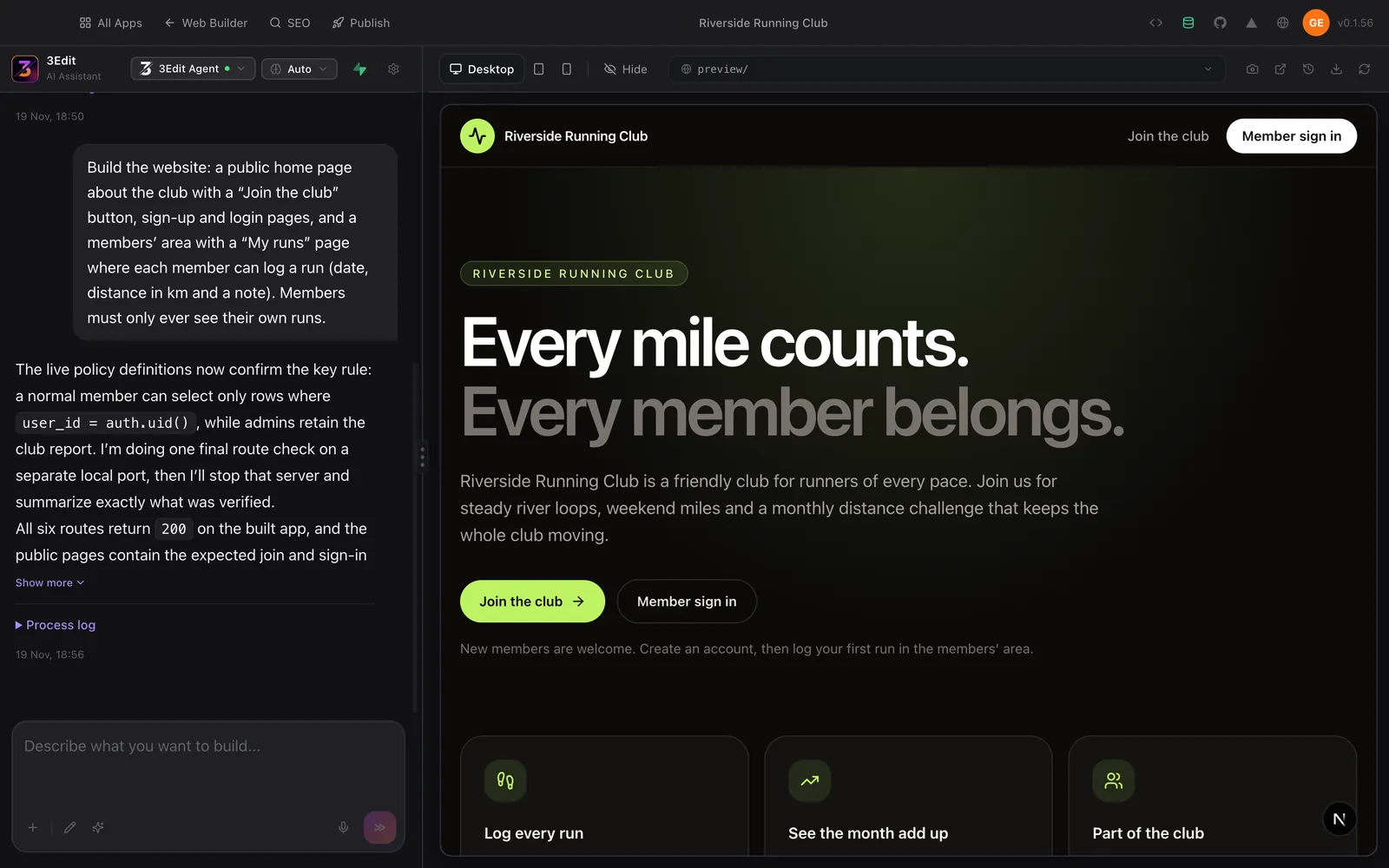
The build prompt asked for a public home page with a “Join the club” button, sign-up and login pages, and a members’ area with a “My runs” page for logging a run with its date, distance and a note. The most important words were at the end: “Members must only ever see their own runs.”
Before it finished, the agent checked that rule in the database itself: a normal member can read only their own runs. That’s the check you want, because the rule protects the data even if someone finds a page they shouldn’t.
The admin page
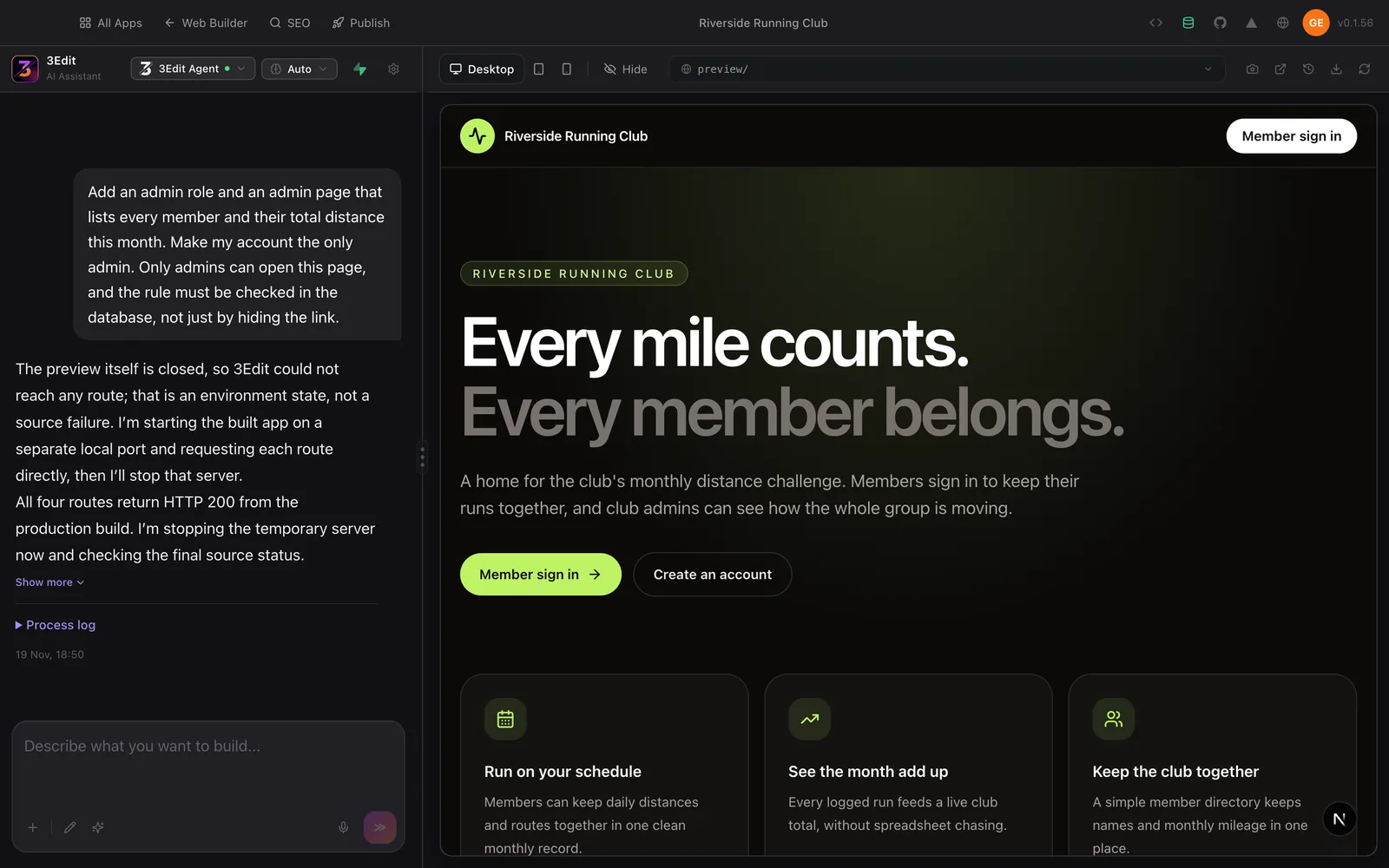
Next came an admin role and a page listing every member and their total distance this month, with our account as the only admin. The prompt said it plainly: only admins can open this page, and the rule must be checked in the database, not just by hiding the link.
Making yourself the admin on purpose matters. Decide which account holds the extra powers, rather than letting every new account have them.
Test it three ways
- As two members: sign up as two different people in two browsers, log a run as each, and check each sees only their own.
- As the admin: sign in and check the admin page lists every member’s distance for the month.
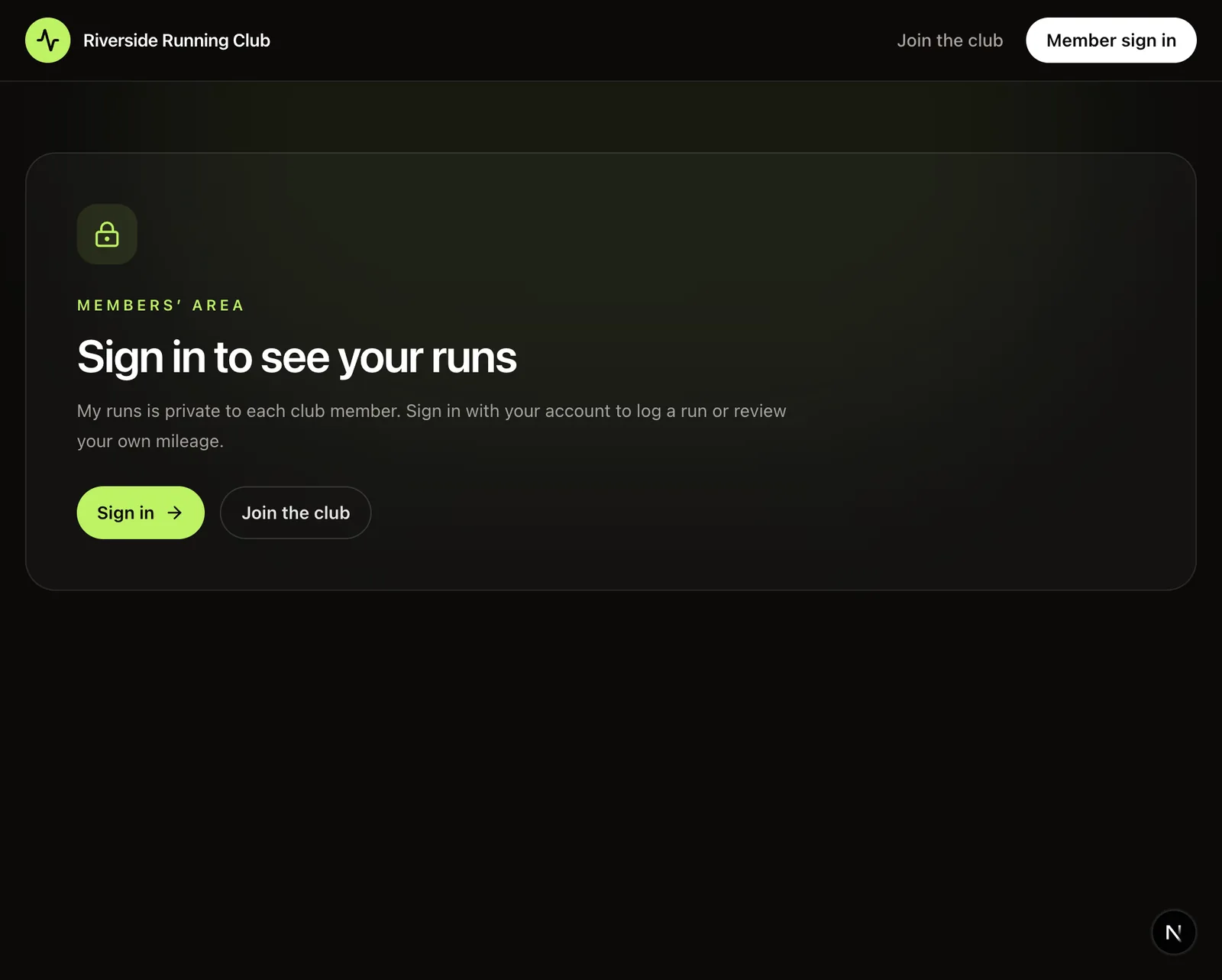
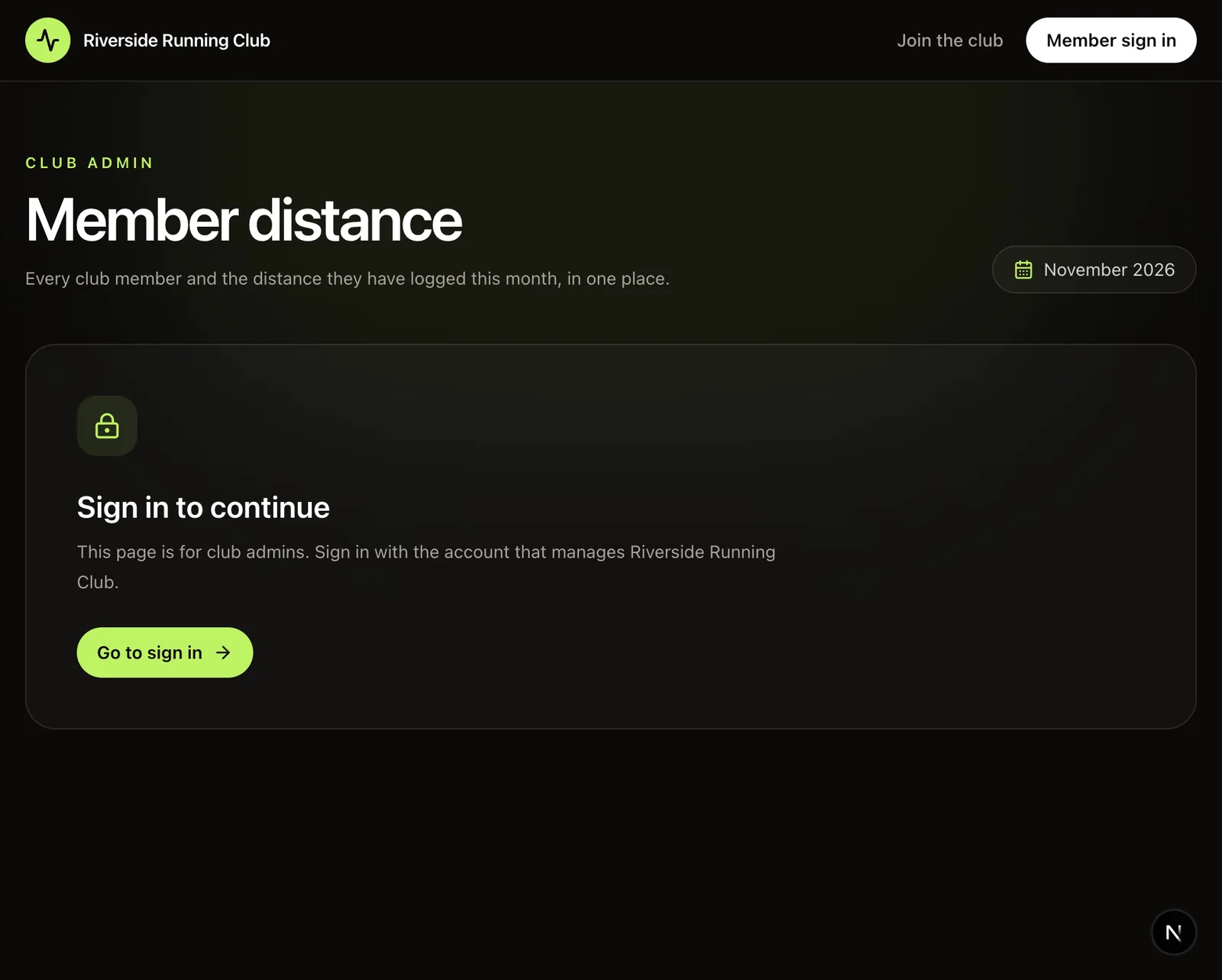
- Signed out: open each protected page directly in a private window. In our build, both the My runs page and the admin page asked visitors to sign in.
The sign-in screen is the front door, not the lock
A friendly “Sign in to continue” screen is what visitors see. What actually keeps members’ runs private is the rule next to the data, in your Supabase, which is why every prompt in this project asked for it. Lesson 9 explains why, and the security basics guide shows what else to check before launch.
Try it in 3Edit.
Build your own version with the four prompts in lesson 9, with your Supabase connected first. Then take it further with these, one at a time.
The businesses in these prompts are fictional practice examples. When you build for a real business, only ever show real reviews from real customers: invented reviews mislead customers and are against UK consumer law.
- 1A club total
On the public home page, show the club’s total distance this month as one number, without showing any member’s name or runs.
- 2Edit and delete my runs
Let members edit or delete their own runs on the My runs page. A member must never be able to change anyone else’s runs, checked in the database.
- 3Check it like a tester
Explain how I can check that one member can’t edit or delete another member’s run, even by changing the address. Don’t change anything yet.
Before you test sign-up, remember the email note in lesson 9: use two email addresses you can open. Then test it three ways again.
Do it step by step.
This lesson explains the what, the why and the when. These guides and pages show every click.
- Connect Supabase to 3EditYour members’ accounts, roles and data live in your own Supabase.Read the guide
- Security basics for vibe-coded appsAccess rules, secret keys and the checks to run before launch.Read the guide
- Test a vibe-coded app before launchSign-up, two accounts, signed out and real phones.Read the guide
Next: Build a SaaS MVP or internal tool
About the author.
Written by Humayun Rashed, founder of 3Edit. He also runs 3Edit’s free in-person AI website building and vibe coding course in London.
Questions people ask.
In our test run, a running club site with sign-up, a private My runs page for each member and an admin page took about 20 minutes in 3Edit, for 3 credits.
Say it as a rule in your prompt, for example “Members must only ever see their own runs”, and ask for it to be checked in the database, not just by hiding links. Then test with two member accounts.
A friendly sign-in screen and nothing private. In our build, the My runs page and the admin page both asked visitors to sign in.
Yes. Accounts, roles and each member’s data are saved in your own Supabase, which you connect before the first prompt.
Start vibe coding today.
Download 3Edit for Mac or Windows and build your first professional website in minutes.