 EDIT
 Lesson 17 · Practice projects
Project: build a portfolio website
One click to a finished site, then make every word your own.
Follow a real build from our test run: one click on the Portfolio template made a full portfolio website for a practice photographer in about six minutes. Then learn the step that matters most: replacing the sample words, numbers and photos with your own.
About 7 minutes to readLast updated
On this page
The project: Maya Chen Photography
Maya Chen Photography is a practice business, made up for this lesson: a portrait and wedding photographer in London who needs a portfolio that shows her work and makes it easy to book a session.
A portfolio is the best first project. It needs no database, so there is nothing to connect, and the whole skill is in directing and reviewing. Every time and credit figure in this lesson comes from a real build in 3Edit on 19 November 2026, with a test account.
One click to a full site
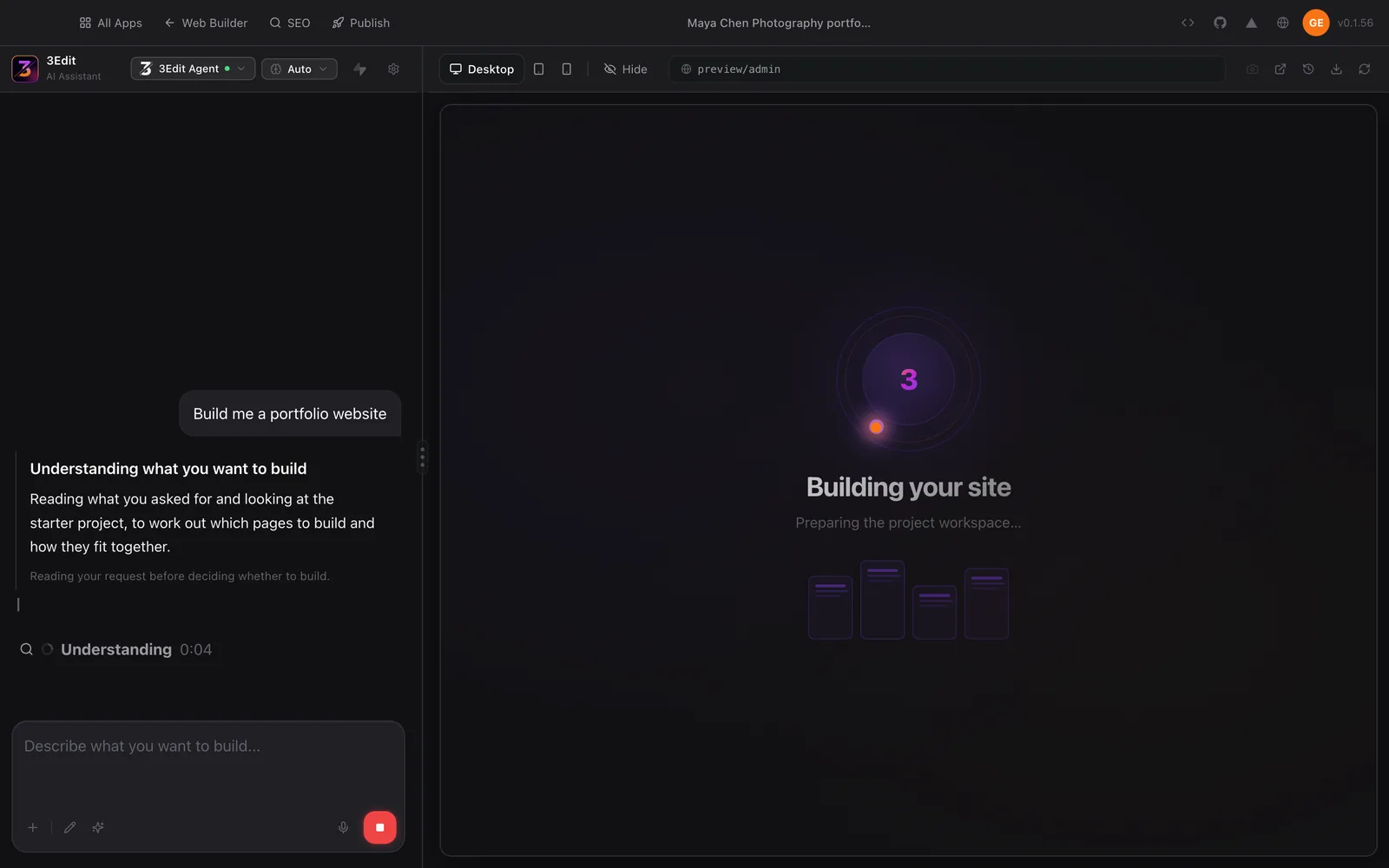
A new, empty project shows Start with a template in the chat, with four buttons: Restaurant, Portfolio, Business and Blog. We pressed Portfolio. That sent one short request, “Build me a portfolio website”, and the 3Edit Agent started straight away, first working out which pages to build and how they fit together.
About six minutes later the site was finished, for 2 credits. A template button is the quickest start there is; a written brief, as in lesson 2, gives you more say over the first version. Both lead to the same place: a site you then make your own.
What one click built
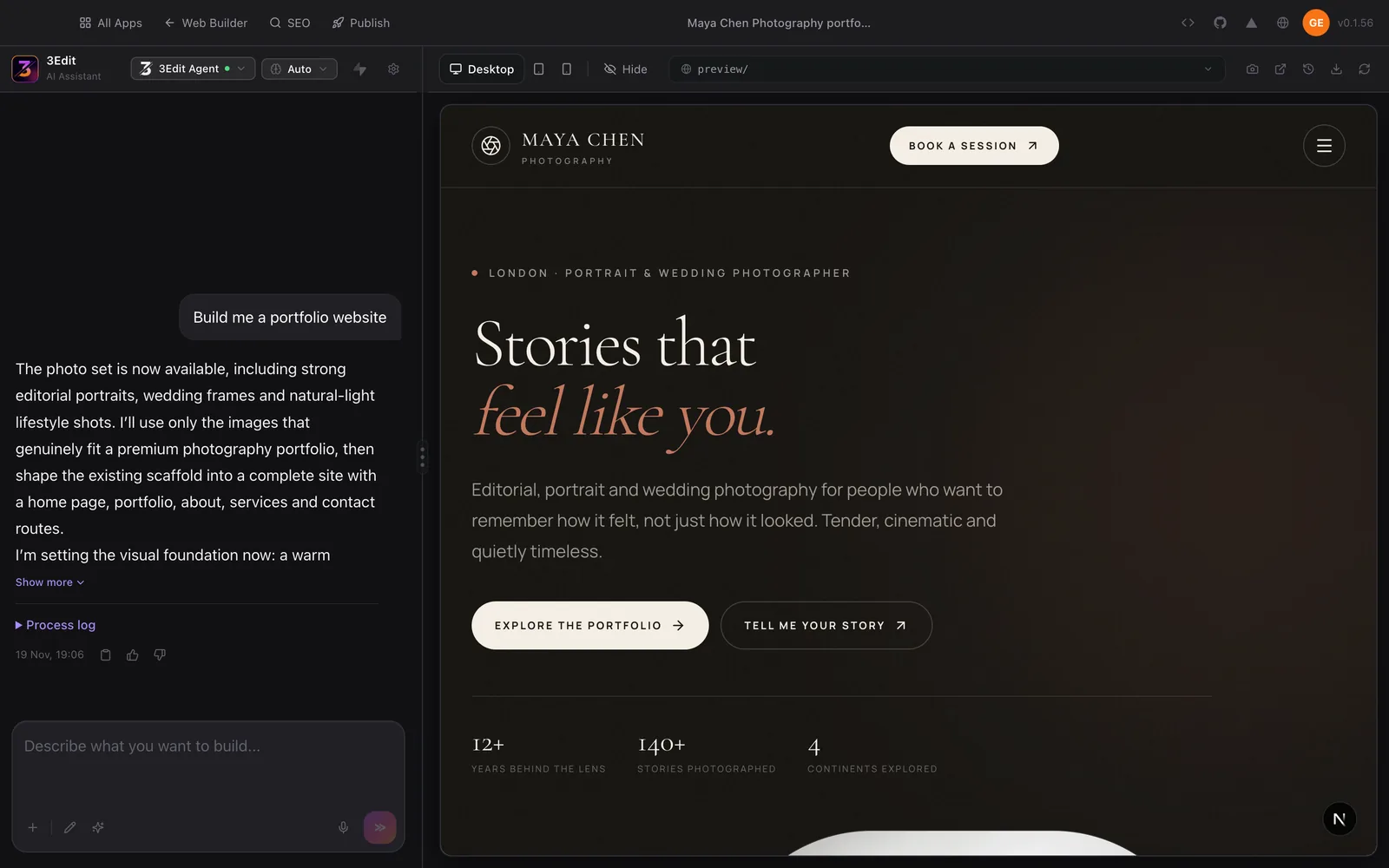
The result was an elegant portfolio for a London portrait and wedding photographer: a dark, warm hero with a graceful serif headline, a Book a session button at the top, and buttons to explore the portfolio and get in touch. The agent planned a home page, portfolio, about, services and contact pages.
It looks finished, and that’s exactly why the next step matters. Review it page by page, with these questions in mind.
| Part | What to check |
|---|---|
| The hero | Does the first line say who you are, what you do and where, in your own voice? |
| Book a session | Does it lead to the way you really take enquiries: your email, your phone or a form? |
| The portfolio | Is every picture your own work, and only your best? |
| About and services | Is every sentence true for you, short and warm? |
| Contact | Are your details correct, letter by letter, and easy to tap on a phone? |
Make every word yours
A template writes believable sample words so the site looks complete. They are placeholders, not facts. Our build’s hero showed “12+ years behind the lens”, “140+ stories photographed” and “4 continents explored”: lovely lines, and right for a website only if they’re true for you.
- Numbers and claims: replace each one with your own true figure, or remove it. Never publish a claim you can’t back up.
- Reviews and quotes: use only real words from real clients, with their permission. Until you have them, leave reviews out.
- Names, places and details: your name, your area, your email and your phone, checked letter by letter.
- Photographs: swap every sample photo for your own work. Real pictures of your work beat generic ones every time.
- Your voice: read each paragraph aloud. If it doesn’t sound like you, ask the AI to rewrite it in plainer, warmer words.
Polish, check and publish
Then refine one change at a time, as in lesson 2: look at the site at phone size, read every page and press every button. When it’s right, give each page a clear title and description for search, as the SEO guide explains, and publish it on your own domain, as lesson 12 shows.
That’s a real portfolio, live, in an afternoon. Next comes a project with a database: a booking app.
Try it in 3Edit.
Start a new project and press Portfolio under “Start with a template”. When the site is ready, paste these prompts one at a time, using your own details in place of the practice ones.
The businesses in these prompts are fictional practice examples. When you build for a real business, only ever show real reviews from real customers: invented reviews mislead customers and are against UK consumer law.
- 1Find the sample claims
List every number, claim, quote and review on this website that a visitor might read as a fact, page by page, so I can check each one. Don’t change anything yet.
- 2Make it about you
Change this portfolio to Maya Chen Photography, a portrait and wedding photographer in London. Remove the numbers in the hero (years, stories and continents), and replace the about text with: “I’m Maya, and I photograph people as they really are, in natural light, across London.” Keep the design as it is.
- 3Make booking clear
Make every “Book a session” button go to the contact section, and show this practice email and phone there: hello@example.com and 020 7946 0321. Check it looks right at phone size.
Then read the whole site once more as a stranger would. If any line still describes someone else, it isn’t finished yet.
Do it step by step.
This lesson explains the what, the why and the when. These guides and pages show every click.
Next: Project: a booking app
About the author.
Written by Humayun Rashed, founder of 3Edit. He also runs 3Edit’s free in-person AI website building and vibe coding course in London.
Questions people ask.
In our test run, one click on the Portfolio template in 3Edit built a full portfolio website in about 6 minutes, for 2 credits. Making it yours, with your own words, photos and details, is where to spend your time.
No. A portfolio shows your work and how to reach you, so it needs no database. You can connect one later if you add something that has to be saved, such as booking requests.
Treat it as a placeholder. Replace every sample sentence, number and claim with your own true details, or remove it, before you publish.
A clear hero saying what you photograph and where, your best work, a short about section, an easy way to book or get in touch, and correct contact details, all checked on a phone.
Start vibe coding today.
Download 3Edit for Mac or Windows and build your first professional website in minutes.