 EDIT
 Free course
Build Your Own eCommerce and Print-on-Demand Brand with AI.
Turn your ideas into a branded online store. This practical course takes you through creating a store using 3Edit, designing products with AI, connecting a print-on-demand provider and planning how to attract your first customers.
FreeIn person in Canary WharfFor beginners
On this page
What you’ll leave with
- A working branded store, connected to your own Supabase.
- A starter product collection.
- Your Printify or Printful account, set up and connected to your store.
- A launch checklist covering products, fulfilment, customer experience, SEO and promotion.
- A content plan for social media.
Who is this course for?
Beginners, aspiring entrepreneurs, creators and small business owners who want to explore selling their own branded products without buying stock upfront. No previous web design experience is required.
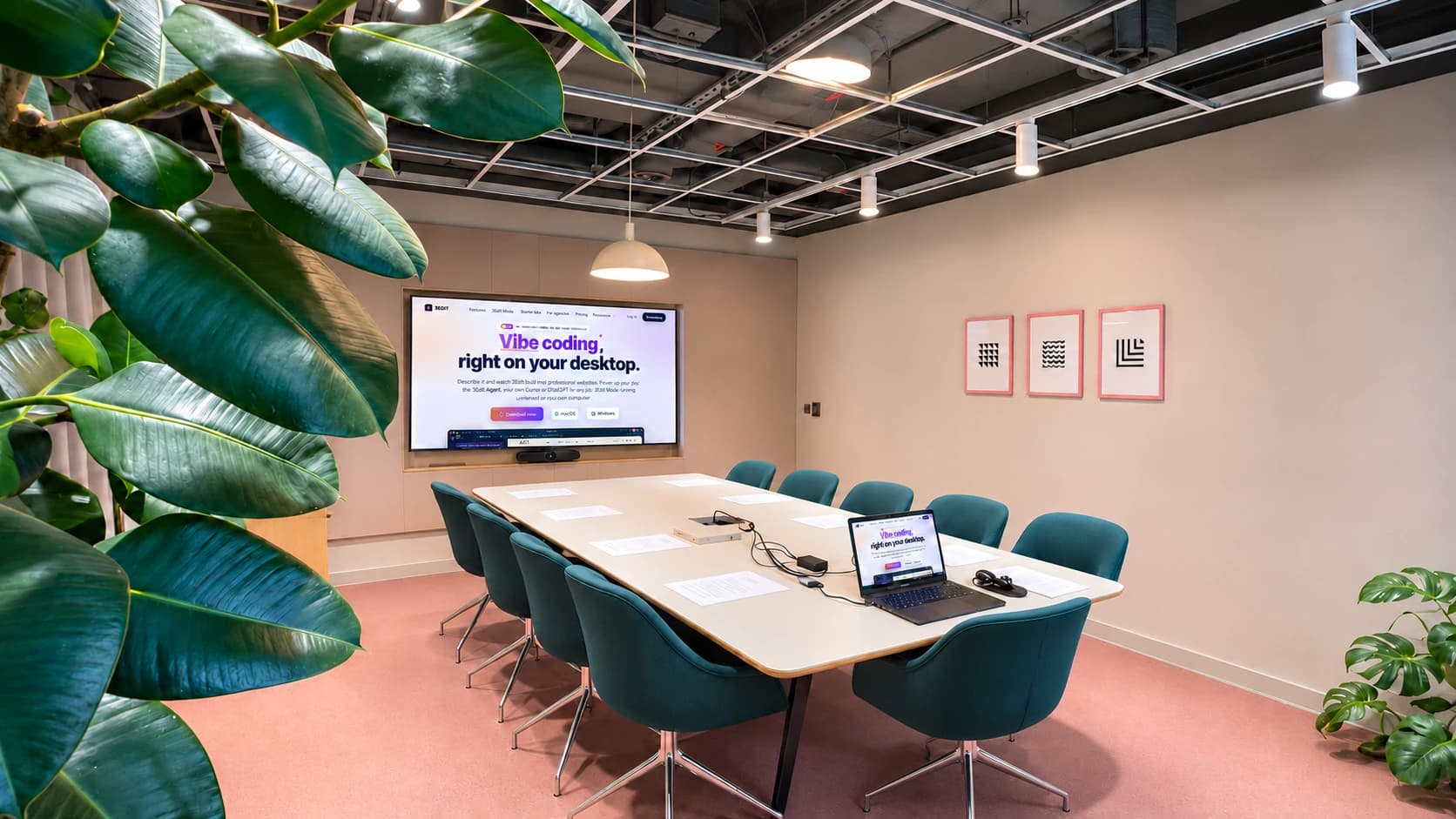
What you will learn.
- Understand eCommerce and print on demand. Learn how online selling works and how print-on-demand products are produced and fulfilled. Understand your responsibilities as the seller, including product quality, pricing, delivery and customer service.
- Build your online store using AI and 3Edit. Turn a business idea into a practical store brief. Use AI to create your store’s layout, branding and essential pages, then refine the experience for desktop and mobile visitors.
- Create your free Supabase and Vercel accounts. Your store keeps its products, orders and customer accounts in your own Supabase account. The store needs it to work, and everything in it belongs to you. Vercel is for publishing your store to your own hosting account; 3Edit Cloud, included in your plan, is the simpler way to publish.Create these accounts before the class or at the start of it, so you leave with a store that is ready to go.Step-by-step guides: Create your Supabase account and connect it to 3Edit, Publish your 3Edit store and Connect your own Vercel to 3Edit.
- Get started with Printify and Printful. Explore these print-on-demand providers, learn how to set up an account and understand their products, fulfilment options and costs. Learn where to find the API credentials needed for your chosen integration.3Edit is a Printify and Printful partner. We may earn a small commission, at no extra cost to you.
- Connect your provider to your store. Understand what an API key does, how to handle it securely and how to connect your chosen provider through the available 3Edit integration. Check the connection and understand the journey from a customer order to fulfilment.
- Create your own branded products with AI. Develop design ideas for a chosen audience, create artwork with AI and prepare it for your selected products. Build product listings with mockups, clear descriptions and pricing that accounts for your costs.
- Understand SEO and help customers find your store. Learn how search engines discover pages and what makes a product page useful. Practise choosing relevant keywords and improving product titles, descriptions, image text and page structure.
- Promote your store on social media. Create a practical content plan for showcasing products, telling your brand story and building trust. Learn how to use organic posts and short videos to bring interested visitors to your store.In the class, this part is covered as theory, and you leave with a content plan ready to use.
Your practical project.
Build a branded store with a starter product collection and a launch checklist covering products, fulfilment, customer experience, SEO and promotion.
What you will take away.
A working store project, practical experience using AI and a clearer understanding of what it takes to launch and run a print-on-demand business.
Sessions and booking.
Sessions usually run weekly:
- Wednesdays, 6:30 pm to 8:30 pm
- Sundays, 4:00 pm to 6:00 pm
Check Meetup or Eventbrite for the latest timetable.
Before you come.
- Book your free place on Meetup or Eventbrite. Your booking is your entry, so reception can welcome you in.
- Session times can sometimes move, for example an hour earlier or later, or a session may be rescheduled. You will always hear about it by email from Meetup or Eventbrite, and the latest timetable is always on those pages.
- Please arrive on time to get the full session. We welcome you up to 15 minutes after the start. After that, joining may not be possible.
- Bring your own laptop.
How to find us.
3Edit, Sierra Quebec Bravo, 77 Marsh Wall, Canary Wharf, London E14 9SH
Look for the name Sierra Quebec Bravo above the front entrance. Your booking is your entry, so reception can welcome you in. Open in Google Maps


More to explore.
Our other free course, and the pages and guides that go with this one. See all training.
- Free courseAI Website Building and Vibe Coding: Start Your Web Design Agency JourneyUsually Fridays, 6:30 pm to 8:30 pm, weekly.See the course
- 3EditHow print on demand works with 3EditStart a print on demand store with 3Edit, the print on demand website builder with AI designs and Printful or Printify printing and shipping, no stock needed.Learn more
- GuideHow to start a print on demand businessEverything a beginner needs before the first sale: what it costs, how to price for profit, choosing a niche, designs and trademarks, shipping, UK tax and the rules for your shop.Read the guide
- GuideSet up your print on demand store in 3EditThe hands-on setup tutorial: nine steps with screenshots, from your 3Edit account to Printful, your first product and your live store.Read the guide
- GuideConnect Printful to your 3Edit storeSell T-shirts, hoodies, mugs and more without holding any stock. Printful prints and ships every order, and 3Edit connects your store to it in about five minutes.Read the guide
- GuideConnect Printify to your 3Edit storePrefer Printify? Choose from its products and print providers, and Printify prints and ships every order. 3Edit connects your store to it with one token.Read the guide
- GuideCreate print on demand products in 3EditPick a product, describe your idea and let the AI assistant design it with you. See it on real mockups, set your price and list it in your shop in one click.Read the guide
Questions people ask.
Yes. The course is free. Book your free place on Meetup or Eventbrite.
No. The course is for beginners, and no previous web design experience is required.
Bring your own laptop. Every attendee brings their own laptop to the session.
Book your free place on Meetup or Eventbrite with the booking buttons on this page. Your booking is your entry, so reception can welcome you in.
The courses take place at 3Edit, Sierra Quebec Bravo, 77 Marsh Wall, Canary Wharf, London E14 9SH. The photos on this page show the building and its front entrance, with the name Sierra Quebec Bravo above the doors.
Please book first. Your booking is your entry, so reception can welcome you in, and booking is free on Meetup or Eventbrite.
Please arrive on time to get the full session. We welcome you up to 15 minutes after the start. After that, joining may not be possible.
Session times can sometimes move, for example an hour earlier or later, or a session may be rescheduled. You will always hear about it by email from Meetup or Eventbrite, and the latest timetable is always on those pages.
Sessions usually run weekly, every Wednesday from 6:30 pm to 8:30 pm and every Sunday from 4:00 pm to 6:00 pm. Check Meetup or Eventbrite for the latest timetable.
A branded store with a starter product collection and a launch checklist covering products, fulfilment, customer experience, SEO and promotion.
Start vibe coding today.
Download 3Edit for Mac or Windows and build your first professional website in minutes.